JF-240UV User Manual
151
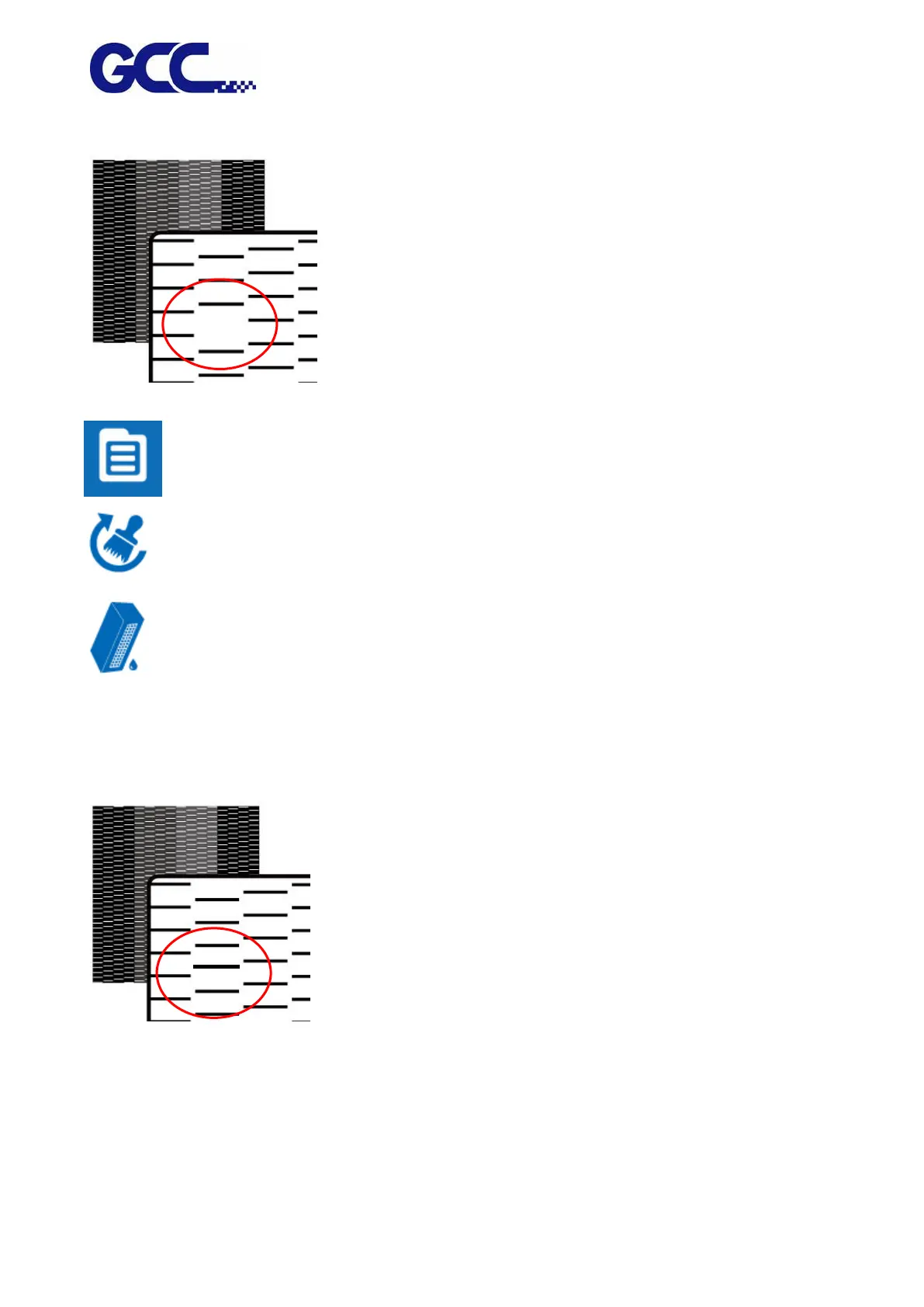
figure below, please clean it up according to the following steps.
Step 3
1. Select MENU on the control panel
2. Select CLEANING
3. Select NORMAL, and the machine will carry out automatic basic cleaning up procedure.
Step 4 Repeat step 1~2 to confirm whether the basic cleaning can meet the required printing quality.
If blocked area are filled, then the basic clean up is completed.
6.3.4 Automatic Advanced Cleaning Up Maintenance
For the periodically cleaning up and maintenance, if there is serious blockage in the print head, it is






 To Next Page