JF-240UV User Manual
140
6.2 Daily / Weekly / Monthly Maintenance
6.2.1 Ink Print Head Cleaning
Note:Do not use the printhead cleaner to clean the waste ink area
Required daily cleaning:
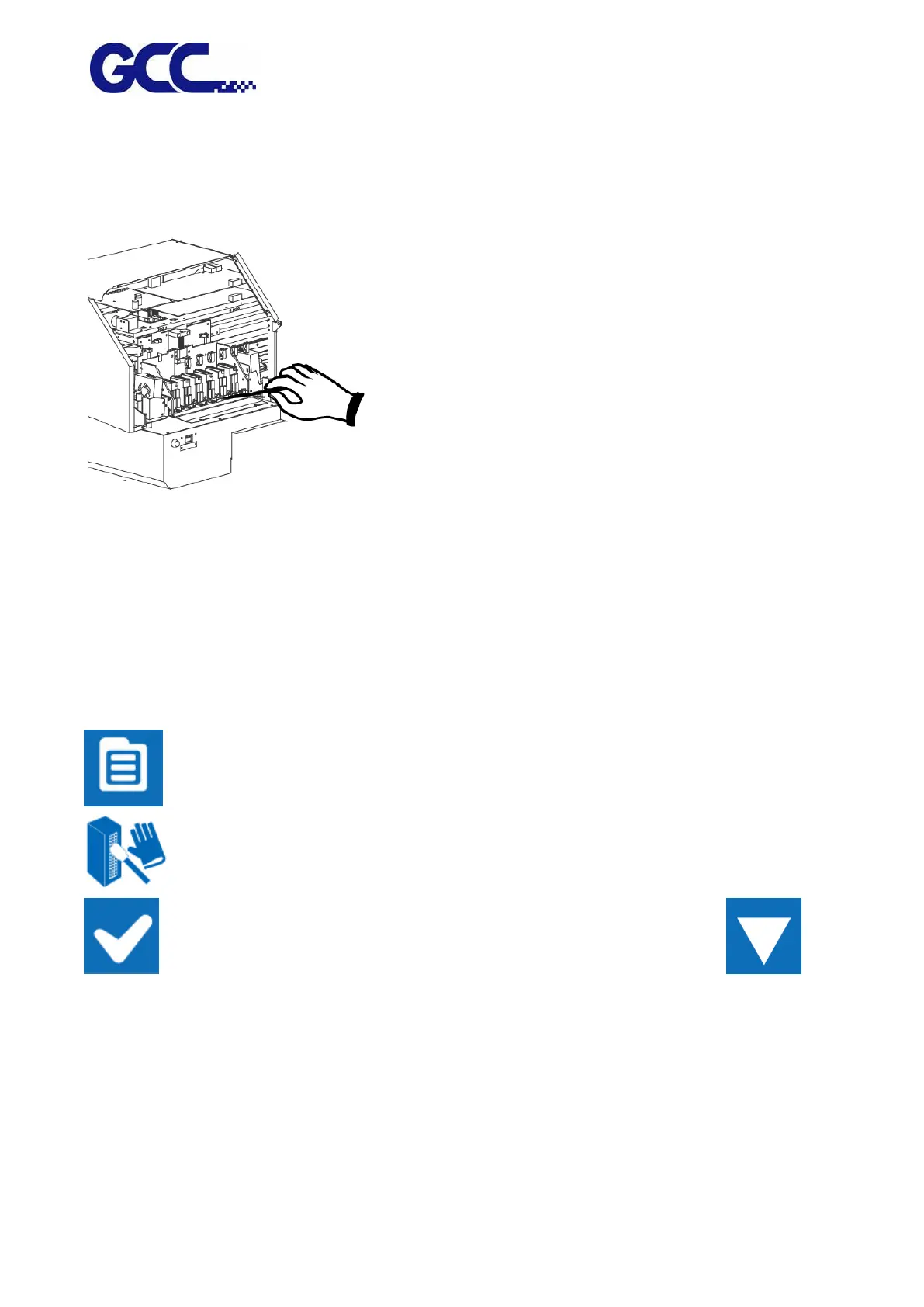
Check whether the print head in good condition. It is required to use sponge swabs with Cleaner
(26501007G) to clean print head, print head area and wiper everyday.
Note:Switch the ink valve off while cleaning, and switch the ink valves on after the process is
complete.
Print Head Cleaning
1. Select MENU on the control panel
2. Select MANUL CLEANING
3. Select ENTER, press PURGE button and wait for 20 seconds, then press
4. Remove thumbscrews and open the left cover and close ink valve.






 To Next Page