JF-240UV User Manual
51
5.1.9 How To Set Pass To White Clean
When PASS TO WHITE CLEAN function is turned on, the purge of white ink will be automatically
performed after the defined pass is printed in order to keep the print head cleaning.
Step 1 Select MENU on then control panel
Step 2 Select CLEANING
Step 3 Select PASS TO WHITE CLEAN
Step 4 Complete
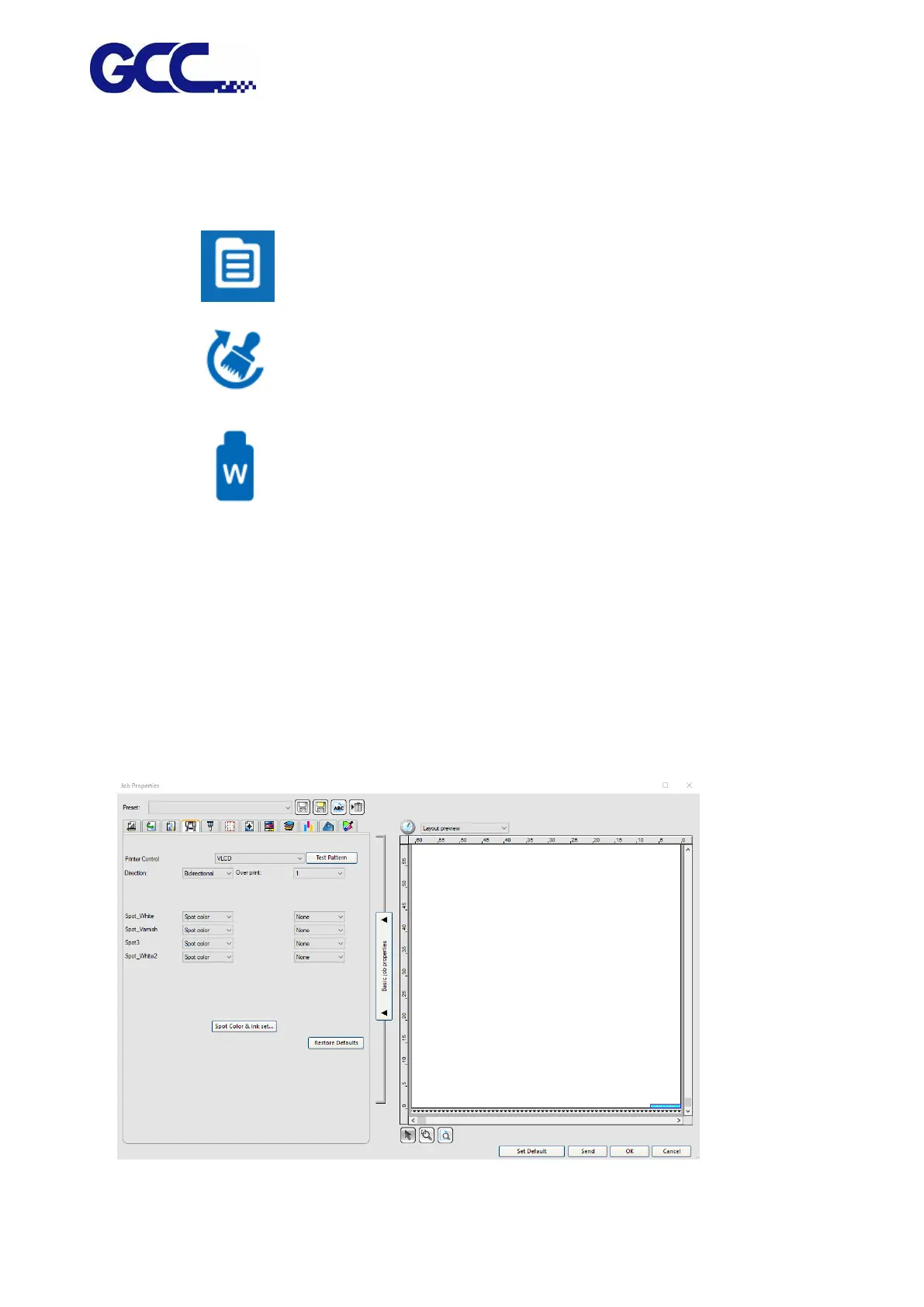
5.1.10 How To Upgrade Your VLCD To The Latest Version
Step 1 Go to Job Properties in FlexiPRINT and select VLCD in Printer Control, then click Test Pattern.






 To Next Page