JF-240UV User Manual
16
Chapter 3 Installation Procedure
3.1 Machine Setup
3.1.1 Turn On The Power
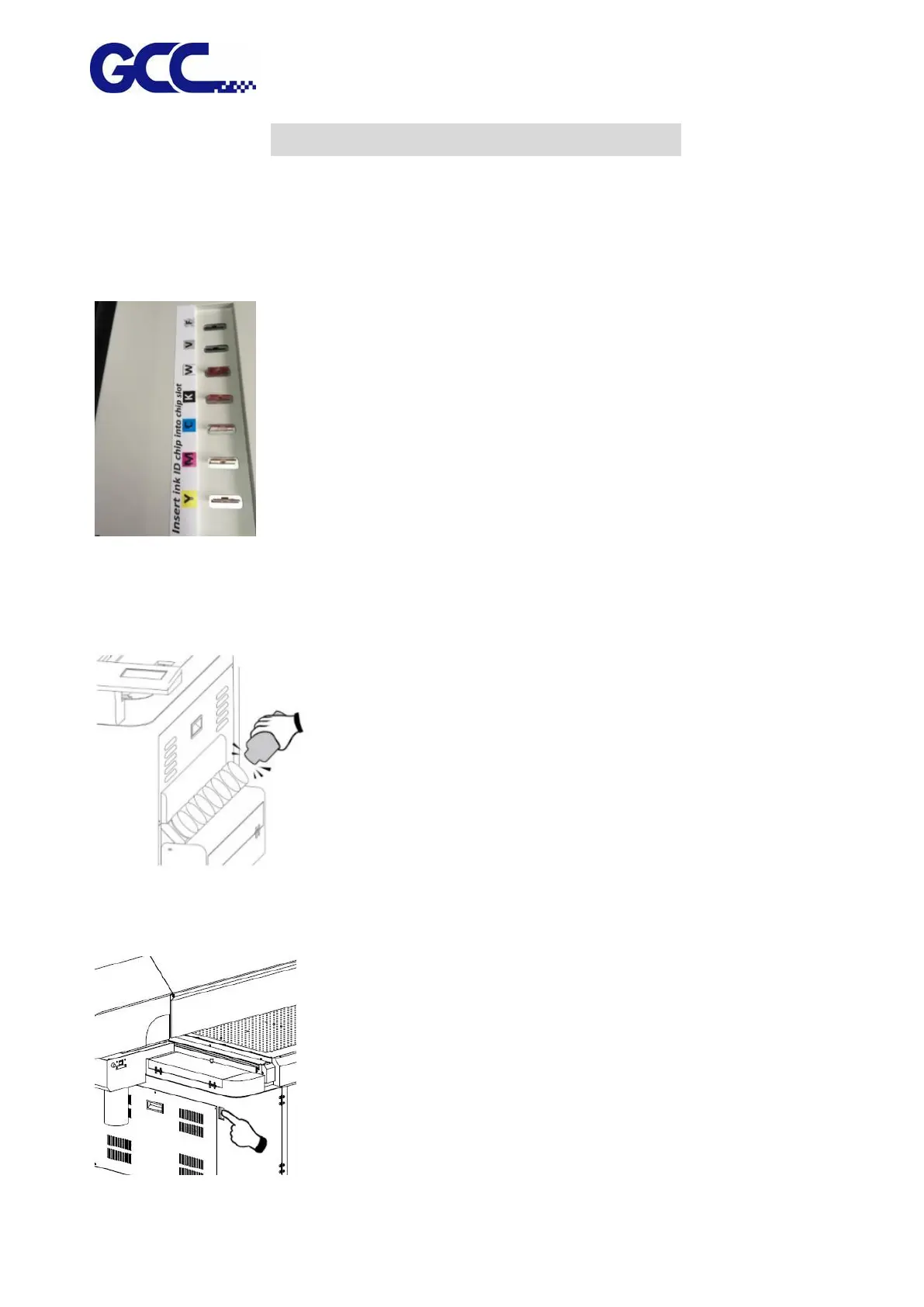
Step 1 Please check the ink chip is inserted properly into the corresponding slot.
Step 2 Fill each color of ink bottle with corresponding color of ink. It is suggested to horizontally
shake the White ink 15 times before filling in the bottle or stir the White ink manually before
printing.
Step 3 Plug in the power plug and connect to the internet, then turn on the machine.
Note: Please wait for 5 seconds to turn on/turn off the power if you need to restart the machine.






 To Next Page