JF-240UV User Manual
17
3.1.2 Set Ink Flow To Printer Heads
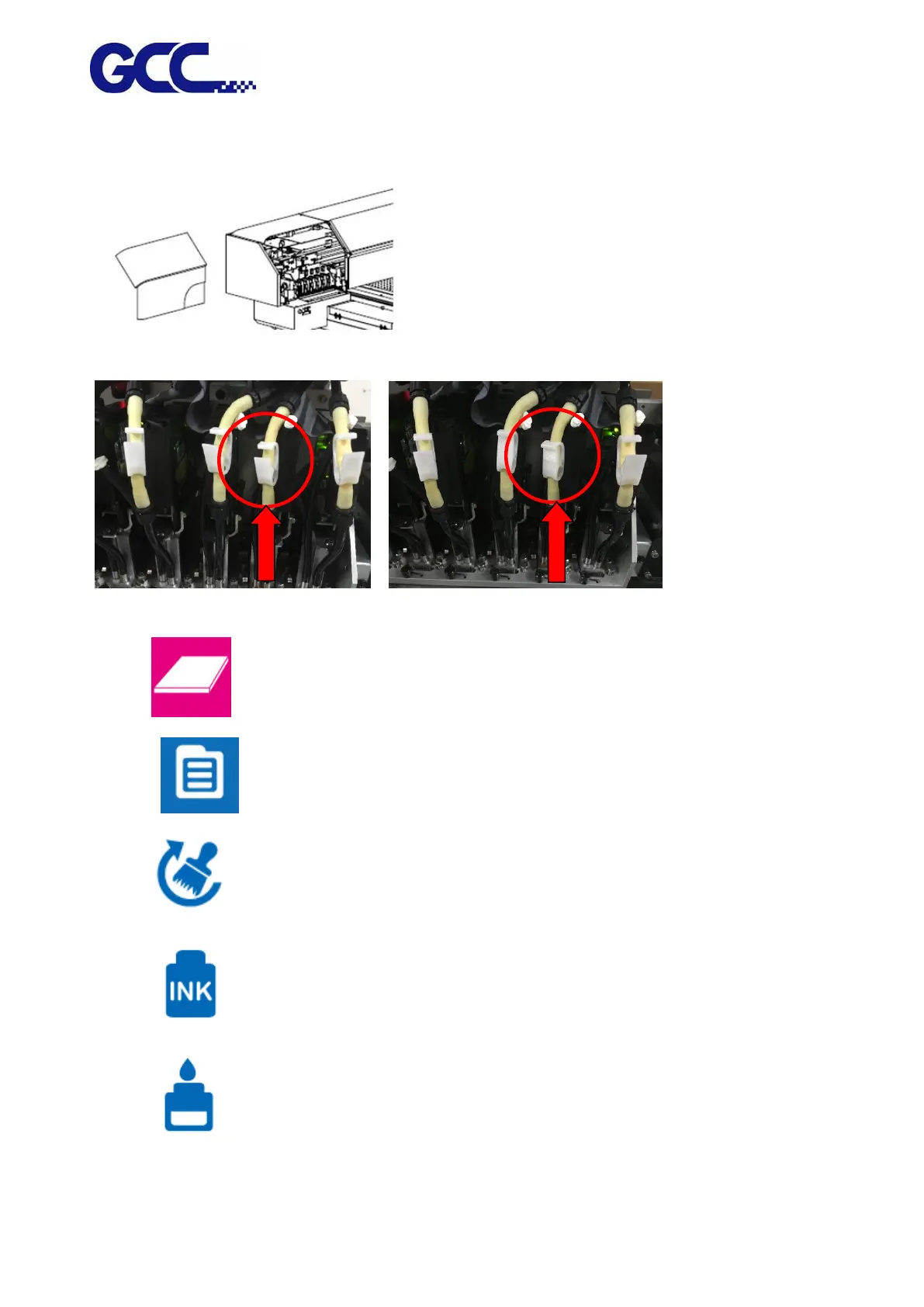
Step 1 Remove the thumbscrew and open the left cover.
Step 2 Open the ink valve.
Ink valve is opened Ink valve is closed
Step 3 1. Entre FLATBED mode.
2. Select MENU
3. Select MAINTENANCE
4. Select INK INSTALL/DRAIN
5. Select INK INSTALL FLOW






 To Next Page