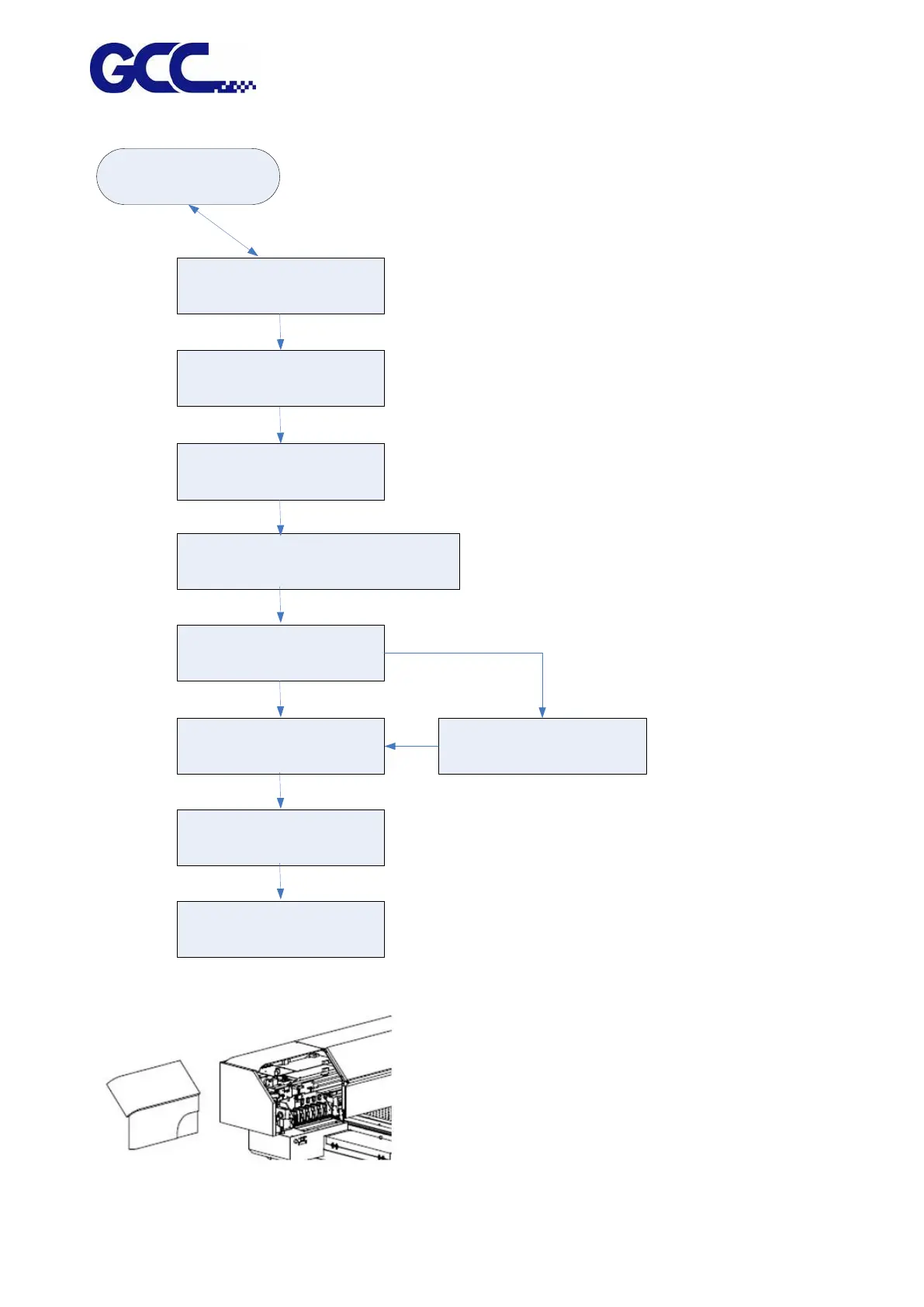
1.Empty waste ink bottle.
2.Open the ink valves of print Head.
ENTER CANCEL
Start Ink Install Procedure?
ENTER CANCEL
Open the ink valves of ink bottle as
shown
ENTER CANCEL
Insert the chips of each color. Do not
insert the chip of flush solution
ENTER CANCEL
Make sure the chips of each color are inserted
properly and the chip of flush solution is removed
ENTER CANCEL
Seal the bottle caps
ENTER CANCEL
Check ink level…
(YMCK) low ink level
Fill (YMCK) ) into ink bottles
ENTER
Ink pumping
ENTER CANCEL
The process is complete
ENTER
adequate ink
inadequate ink






 To Next Page