JF-240UV User Manual
99
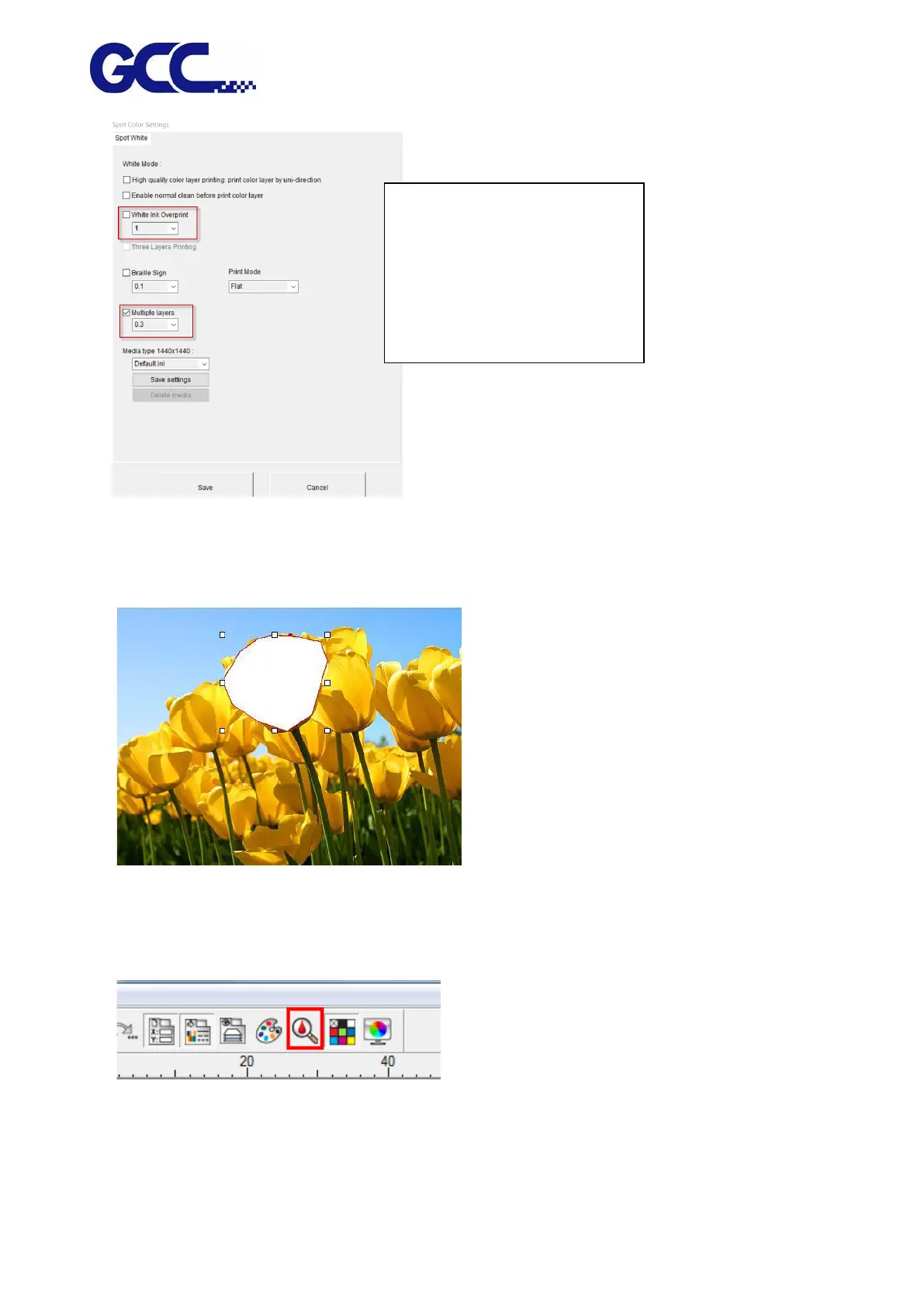
5.3.2 How To Set FlexiPRINT Editor for color-white/white-color/
color-white-color Printing
1. Open the PhotoPRINT Editor and load the image.
2. Create a spot white in Editor
Open the color specs:
Create a New color
Tips: it is suggested to use
White Ink Percentage for the
coverage of a large print area
while Multiple Layers can be
used for raised patterns
printing.






 To Next Page