JF-240UV User Manual
166
Chapter 7 Caldera Installation
7.1 Caldera Installation
Recommended System Requirements
Linux OS : Official Debian 8.6 Jessie (Mate desktop)
CALDERA Debian 2 (however APPE3 – no APPE4)
Processor : Intel Core i3, i5 or i7.
RAM : 4GB or 8GB (recommended), minimum 1GB per core, recommended at least 2 GB per core
HDD : 250GB
Monitor / Videocard : 1280×1024 minimum resolution
7.1.1 How to set GCC JF-240UV Driver
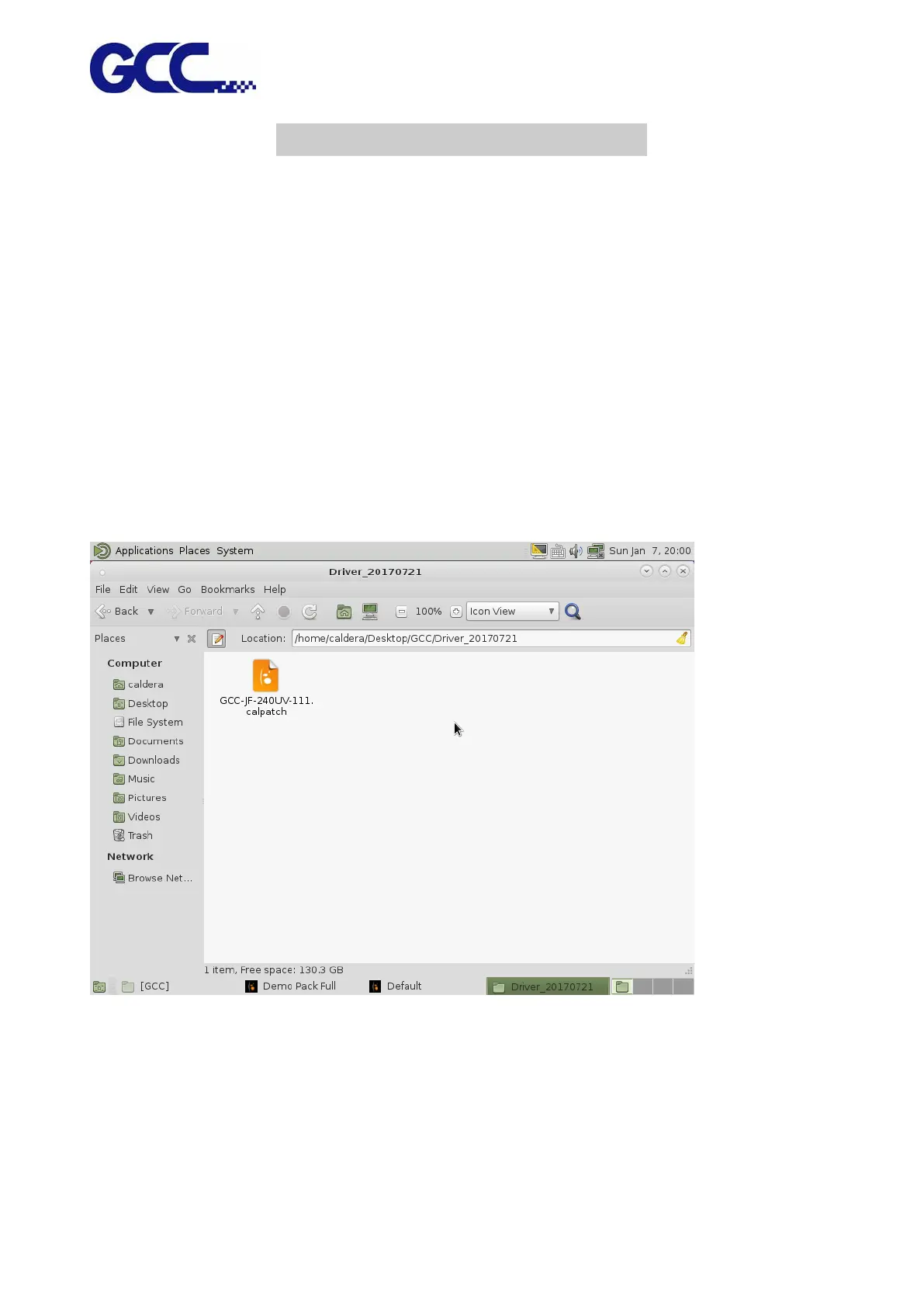
Step 1 Install GCC-JF-240UV calpatch






 To Next Page