JF-240UV User Manual
141
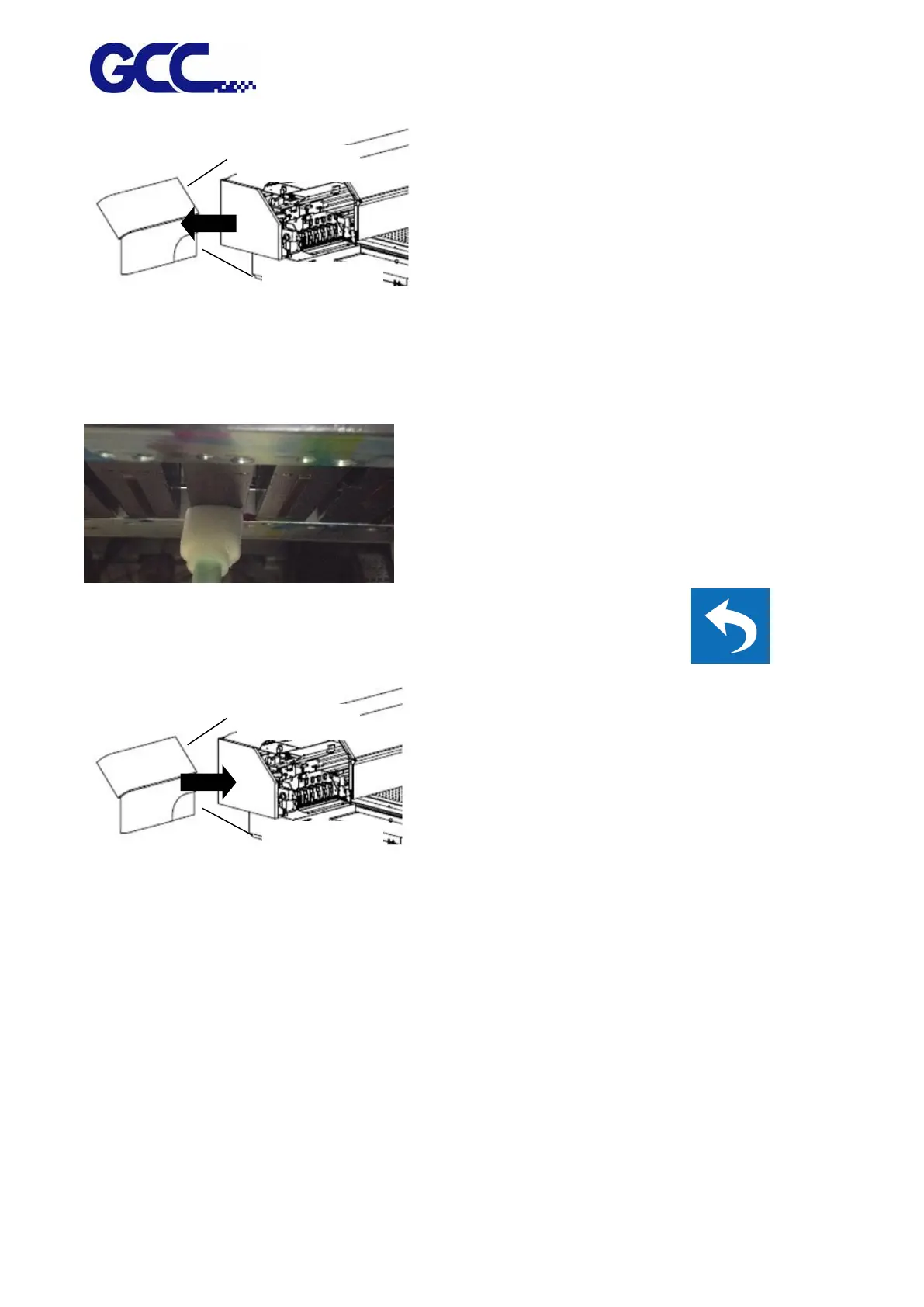
5. Use sponge swabs with cleaner to clean the area underneath the print heads, and wipe residues
from back to front.
Note: Do not reuse the sponge swabs.
Note: The change of color of sponge swab does not affect its function.
6. Open ink valve, close up the left cover and fix it with thumbscrews, and press
Required weekly maintenance:
Check whether the print head is in good condition. It is required to use sponge swabs with Cleaner
(26501007G) to clean print head and print head area every week, and make sure that ink bottle is
not empty and dispose waste ink bottle.






 To Next Page