JF-240UV User Manual
152
recommended to apply advanced cleaning up instruction procedure to clean up print head prior the
print job.
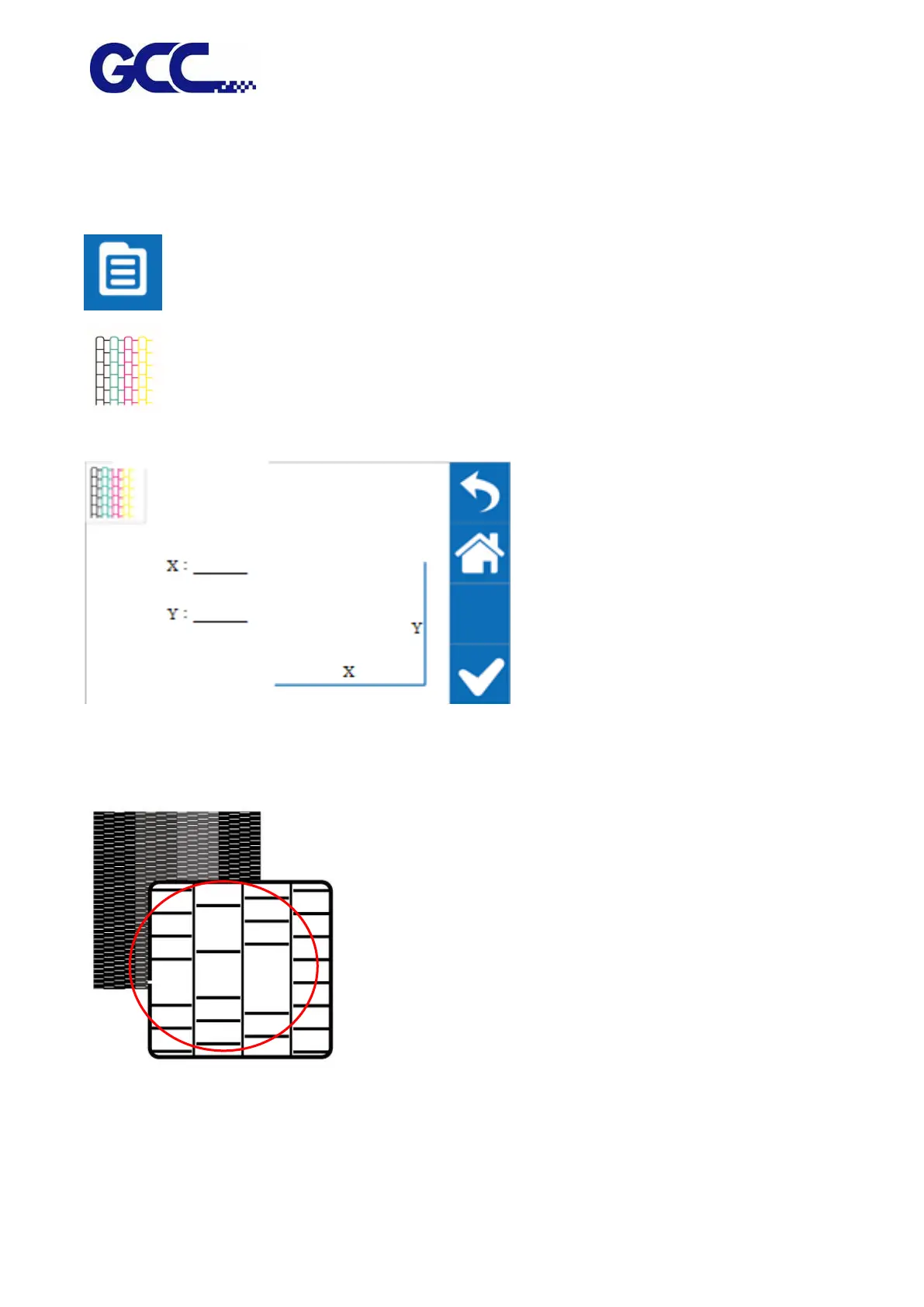
Step 1 Perform NOZZLE CHECK
1. Select MENU on the control panel
2. Select NOZZLE CHECK
3. Enter X, Y value and press ENTER
Step 2 JF-240UV will print out Nozzle Check test pattern, if the printing quality is similar to the
figure below, please clean it up according to the following steps.
Step 3






 To Next Page