JF-240UV User Manual
153
1. Select MENU on the control panel
2. Select CLEANING
3. Select POWERFUL, and JF-240UV will carry out automatic advanced cleaning up
procedure.
4. Reconfirm whether the advanced cleaning can meet the required printing quality.
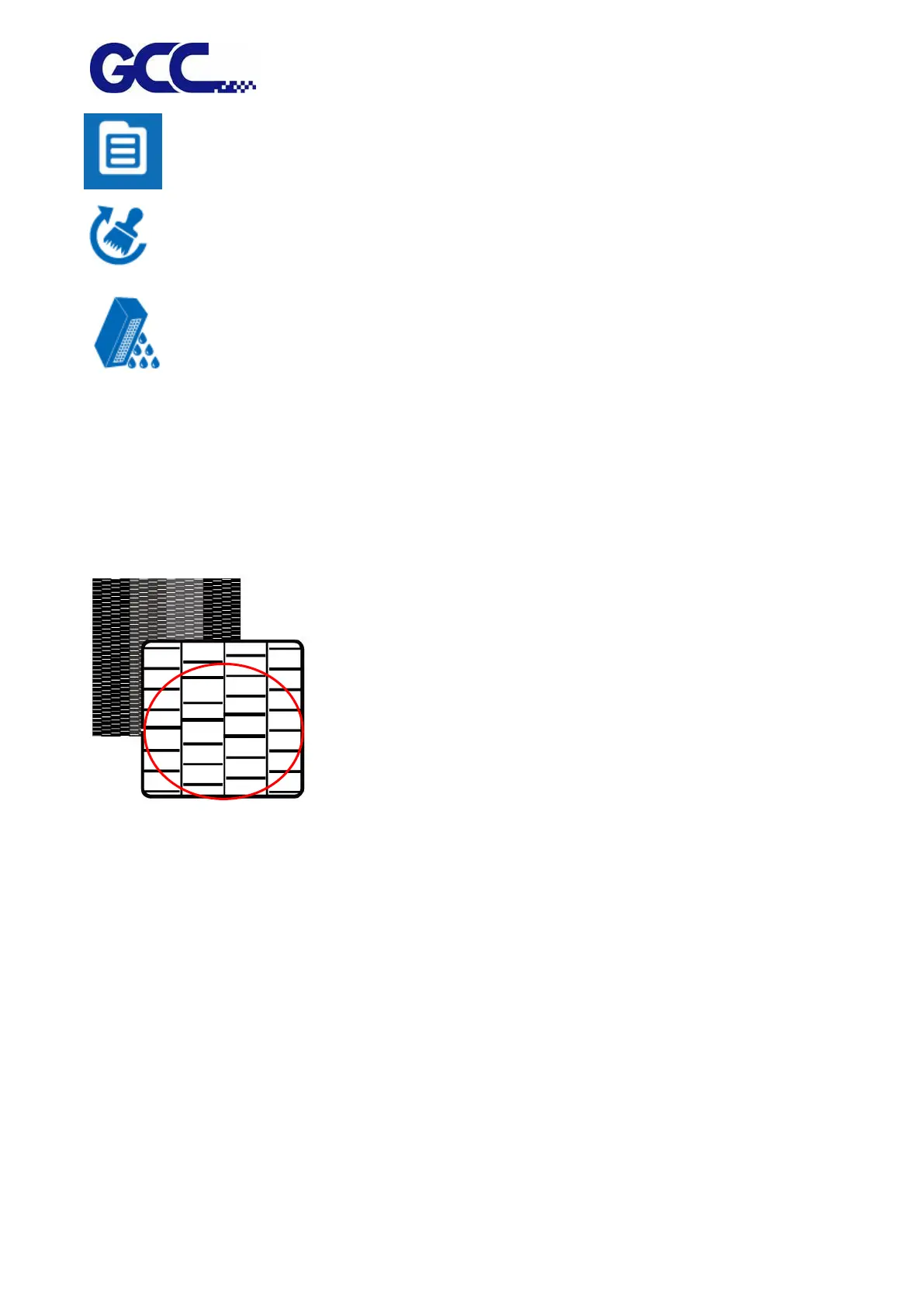
Step 4 Repeat step 1~2 to confirm whether the advanced cleaning can meet the required printing
quality. If the blocked area is filled, then the advanced cleaning is completed.






 To Next Page