JF-240UV User Manual
65
Media Size The size of the media loaded into your output device. Select from one of the preset
sizes, or specify unique dimensions below.
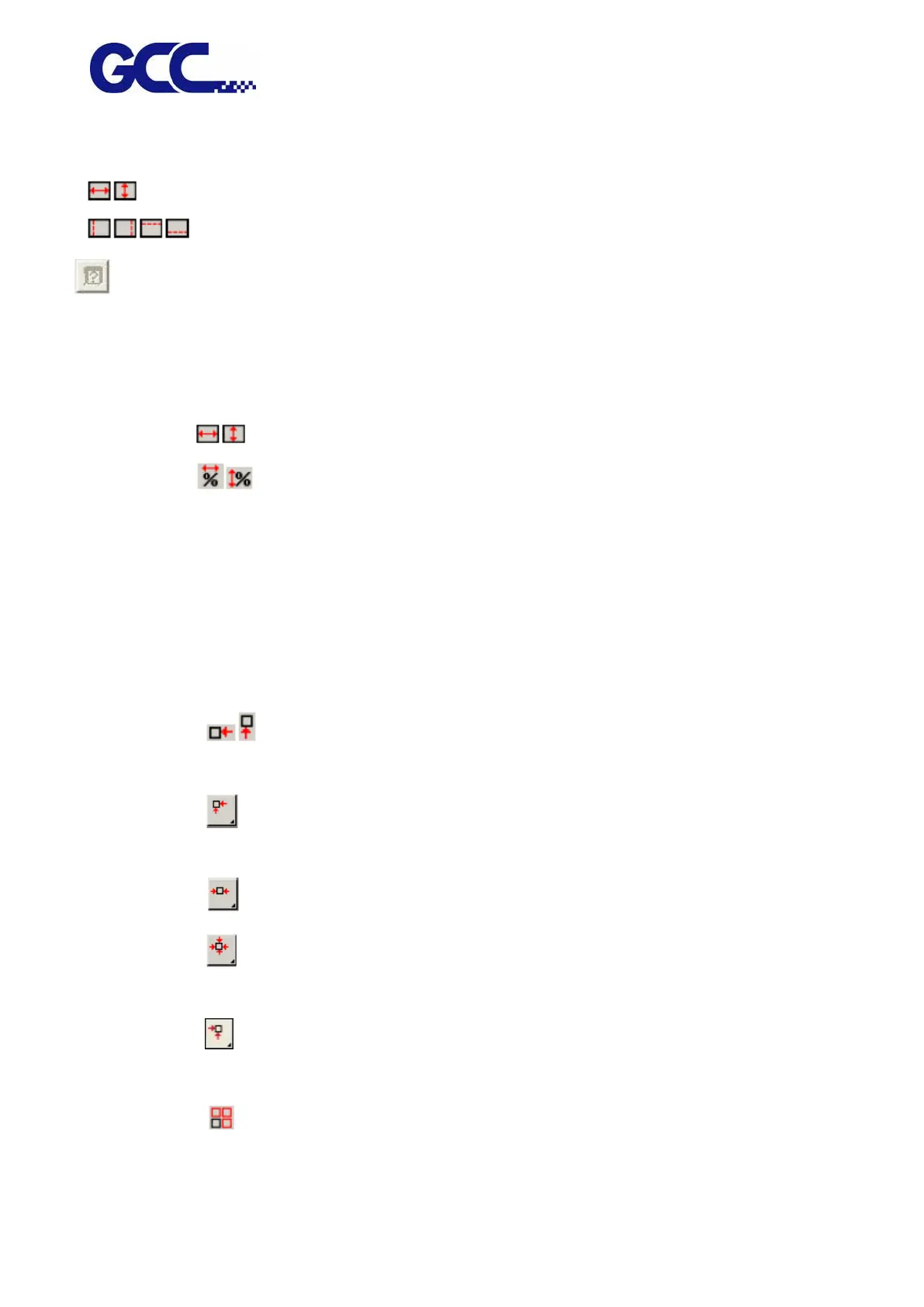
The width and height of the media.
The margins of the printable area.
Media sizing: When you specify a set of custom dimensions, it is automatically added
to the list of preset sizes.
Job Size Editing these options allows you change the output size and
orientation of the page.
The width and height of the job.
The width and height of the job as a percentage of the original.
Fit to Media Scales the job proportionally so that it is as large as possible while still fitting within
the printable area of the output media.
Proportional Increases or decreases width and height together to keep the original proportions
intact.
Position Changes the position of the job on the media.
The distance between the job and the right and bottom margins of the
printable area.
Places the job at the specified distances from the lower and right edges of
the printable area of the output media.
Centers the job along the width of the printable area.
Centers the job in the middle of the printable area. Only available for sheet
material.
Places the job at the specified distances from the lower and left edges of
the printable area of the output media.
The number of copies to be output.






 To Next Page