JF-240UV User Manual
66
The amount of space between the various tiles, copies and/or nested jobs that
are output as part of the job.
Page Range Specifies the range of pages that are output for a multi-page job. Format
is x-y. Also accepts “,” to put in multiple ranges.
Ex: 5 Prints page 5.
2-5 Prints pages 2, 3, 4 and 5.
3, 5-10 Prints pages 3, 5, 6, 7, 8, 9 and 10.
Page Nesting Check to automatically nest pages, tiles and separations of the job.
Flips the selected image on the vertical axis, so that the image is mirrored when printed.
Rotates image on the media in 90-degree increments. Click the button until you
achieve the desired orientation. You can also rotate a job in 90° increments by
selecting it in the Preview Area and clicking its center rotation handle.
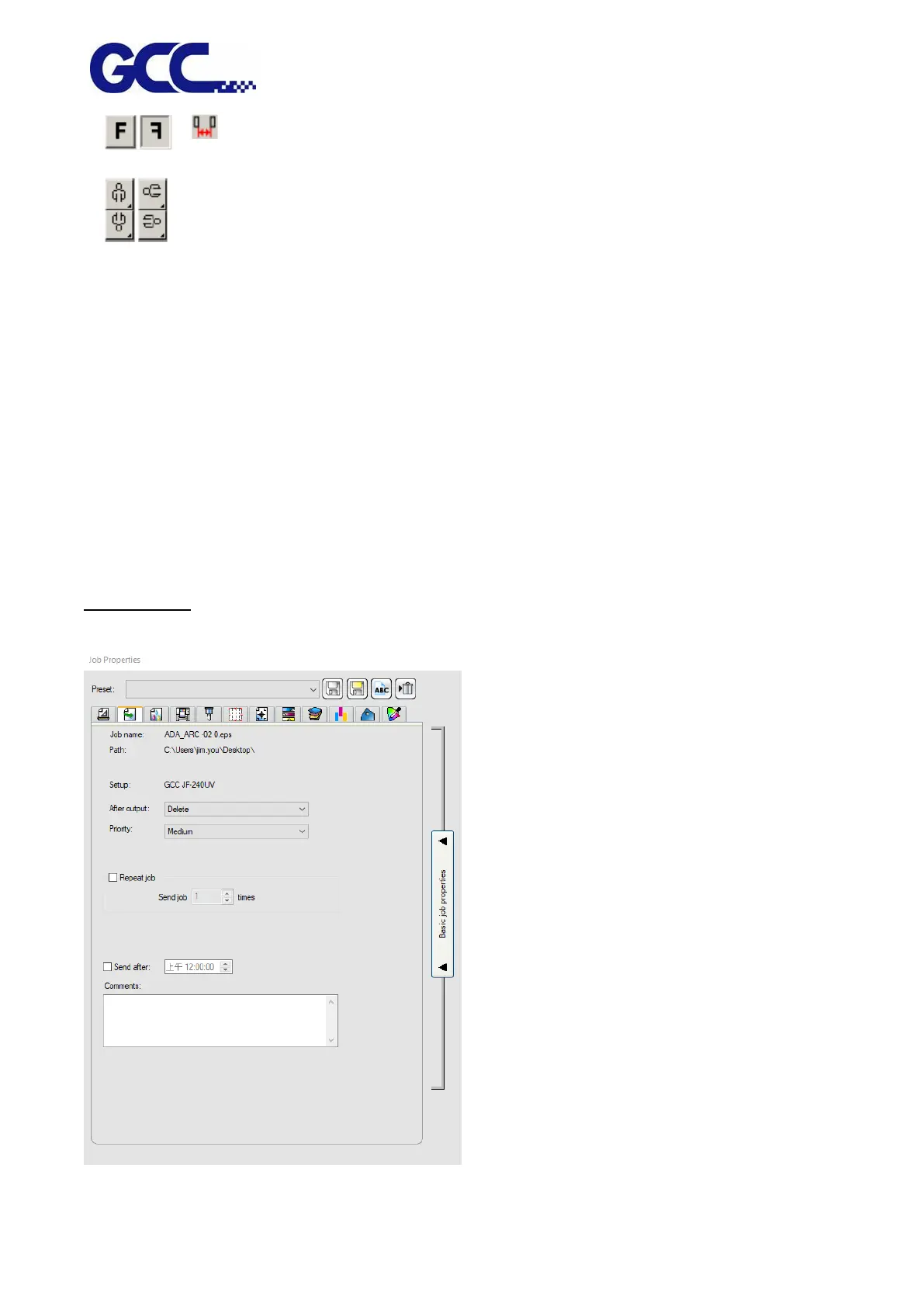
Workflow Tab
The Workflow tab displays settings related to the time and order that the job is processed in.






 To Next Page