JF-240UV User Manual
67
After output Sets what to do with the job after output.
Delete Removes jobs from the queue after output.
Hold Places jobs in the Hold Queue after output or at the bottom of the
queue.
Send Sets what part of a combination print and contour job will be output.
Print only Only the printed part of the job will be output.
Repeat Job Enter the number of times you would like the software to automatically re-send the
job.
* This feature saves you from having to manually send the job each time you want
to output it.
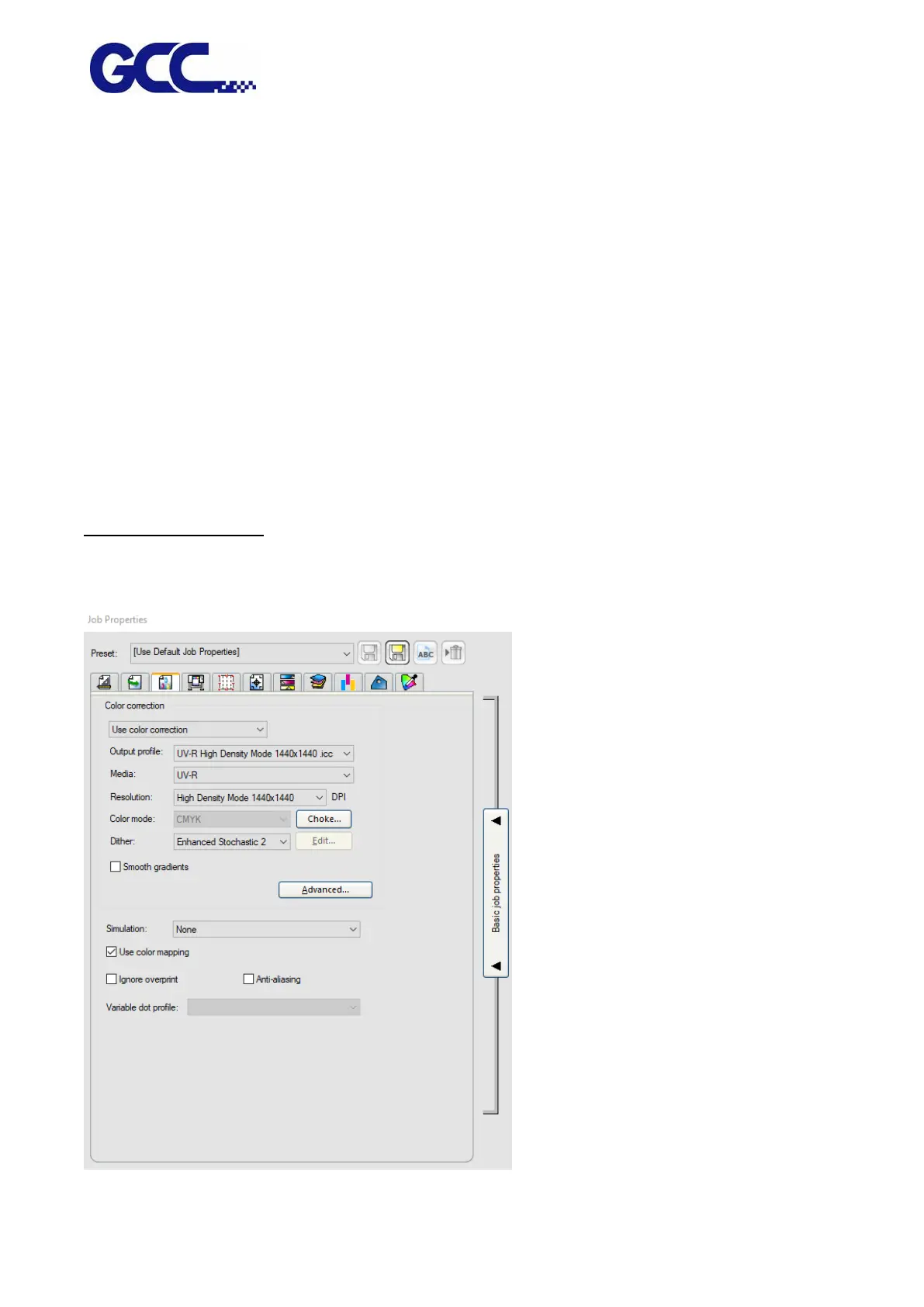
Color Management Tab
The Color Management tab displays the settings related to the printing device. The layout of this tab
may differ depending on the output device.






 To Next Page