JF-240UV User Manual
63
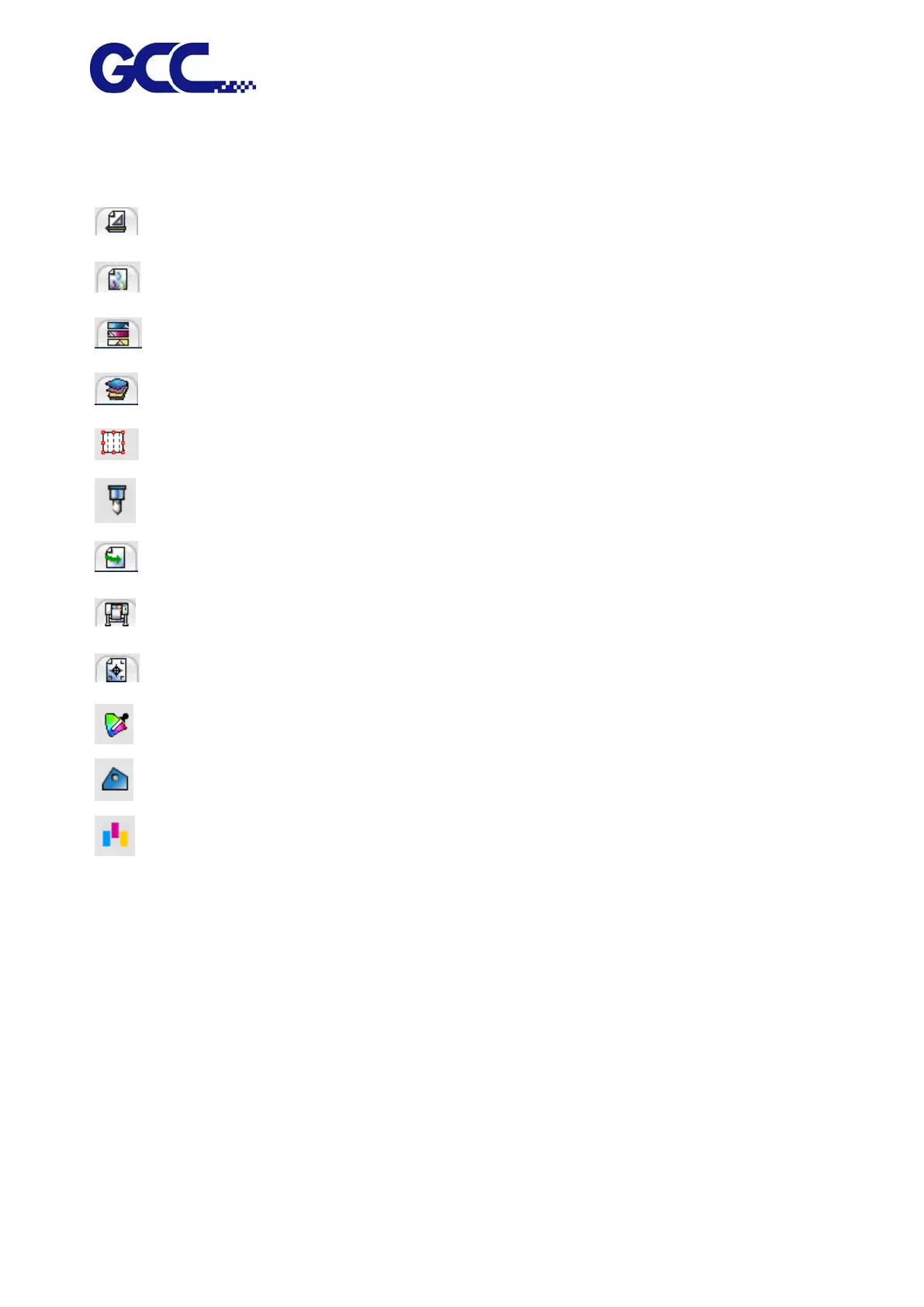
Select the preset options you want to save.
Save the default Layout tab value.
Save the default Color management tab value.
Save the default Color adjustment tab value.
Save the default Separation tab value.
Save the default Tile tab value.
Save the default Cut tab value.
Save the default Workflow tab value.
Save the default Printer options tab value.
Save the default Labels and marks tab value.
Save the default Object color control tab value.
Save the default Finisher tab value.
Save the default Step and repeat tab value.
7. Completion.
Selecting Setups
To select job, please click in the job list to select it.
Use standard Windows operation, combine CTRL and SHIFT key to select multiple jobs :
˙ Hold the CTRL key to select multiple independent jobs.
˙ Hold the SHIFT key to select the first job and the last job to select a range of jobs.
To select all jobs, please click the select all in the Edit menu.






 To Next Page