JF-240UV User Manual
62
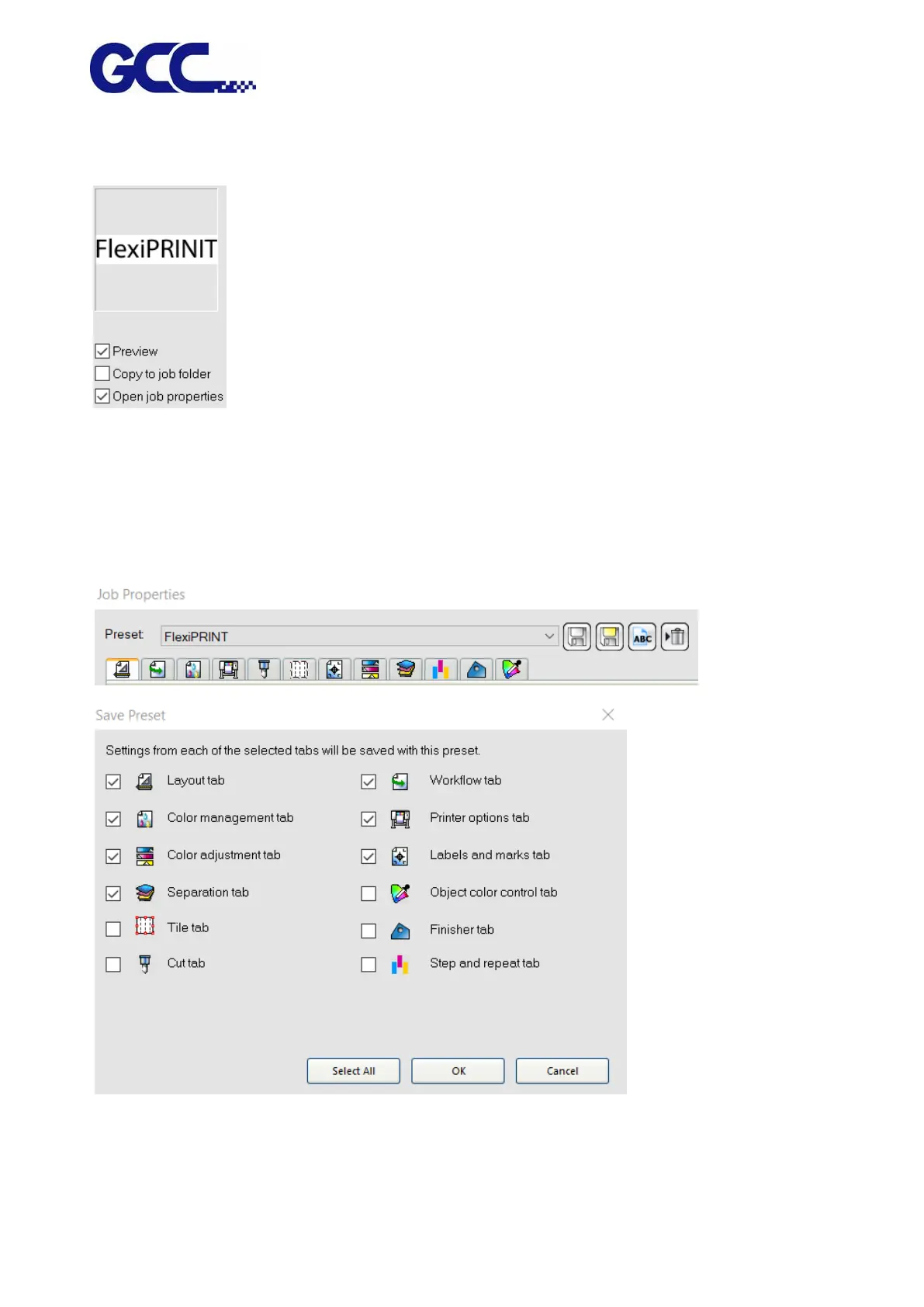
c. Select “Open job properties” to automatically launch “job properties” dialog box once the job is
added to the “retention queue”.。
4. From the settings list, select the settings that you want to apply to print the file.
5. From the preset list, select the preset settings that you want to apply to the job.
6. Click on the save, and name it as frequently used media parameters.






 To Next Page