JF-240UV User Manual
61
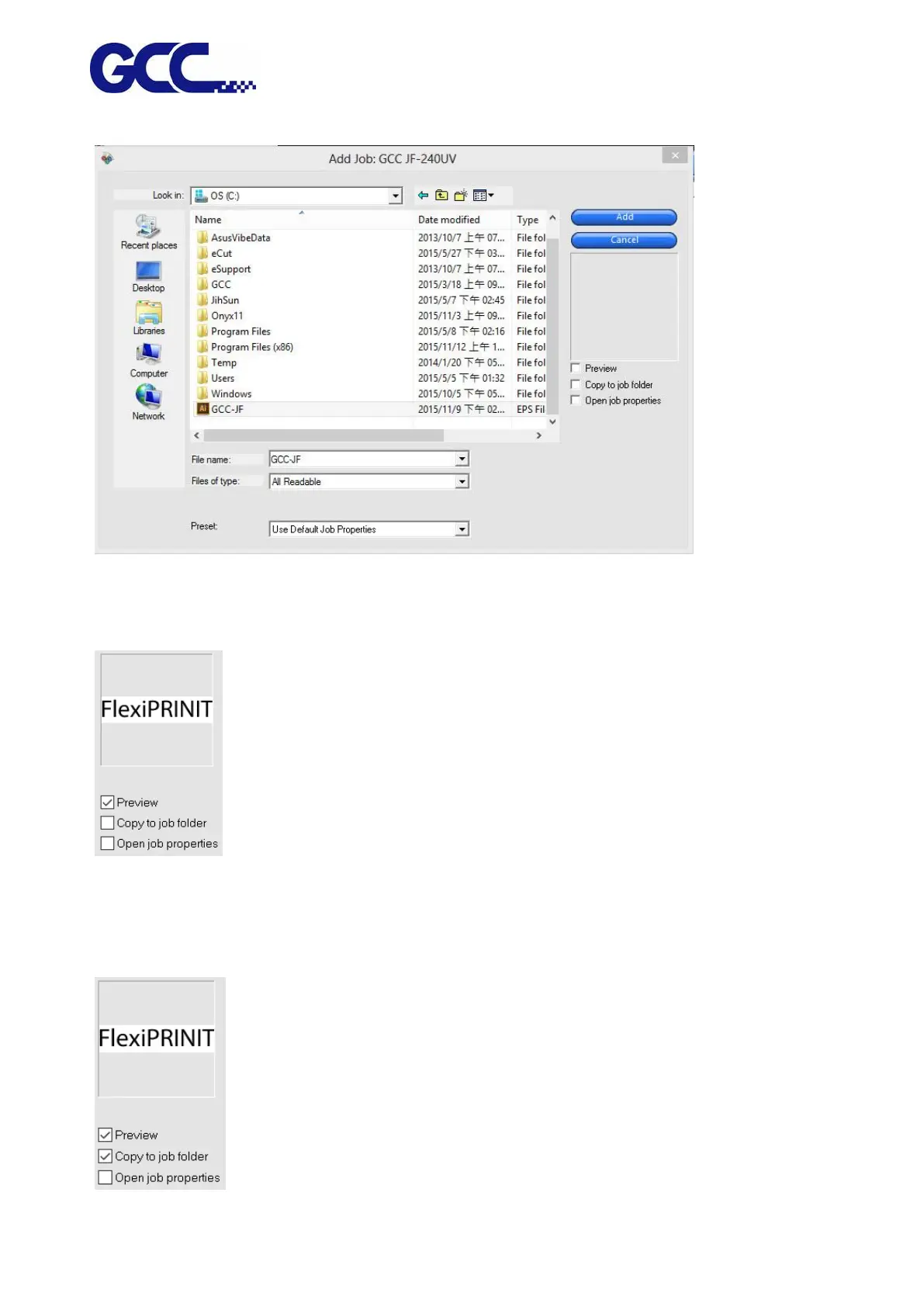
2. Select the file to be added.
3. Select the options required:
a. Select “Preview” to view the thumbnail for the selected file.
b. Select “Copy to job folder” to copy the file to local working folder.
* If job is stored in removable disk or network drive, you need to copy it to the local working folder,
to continue operation when the storage device is removed or network is disconnected.






 To Next Page