JF-240UV User Manual
163
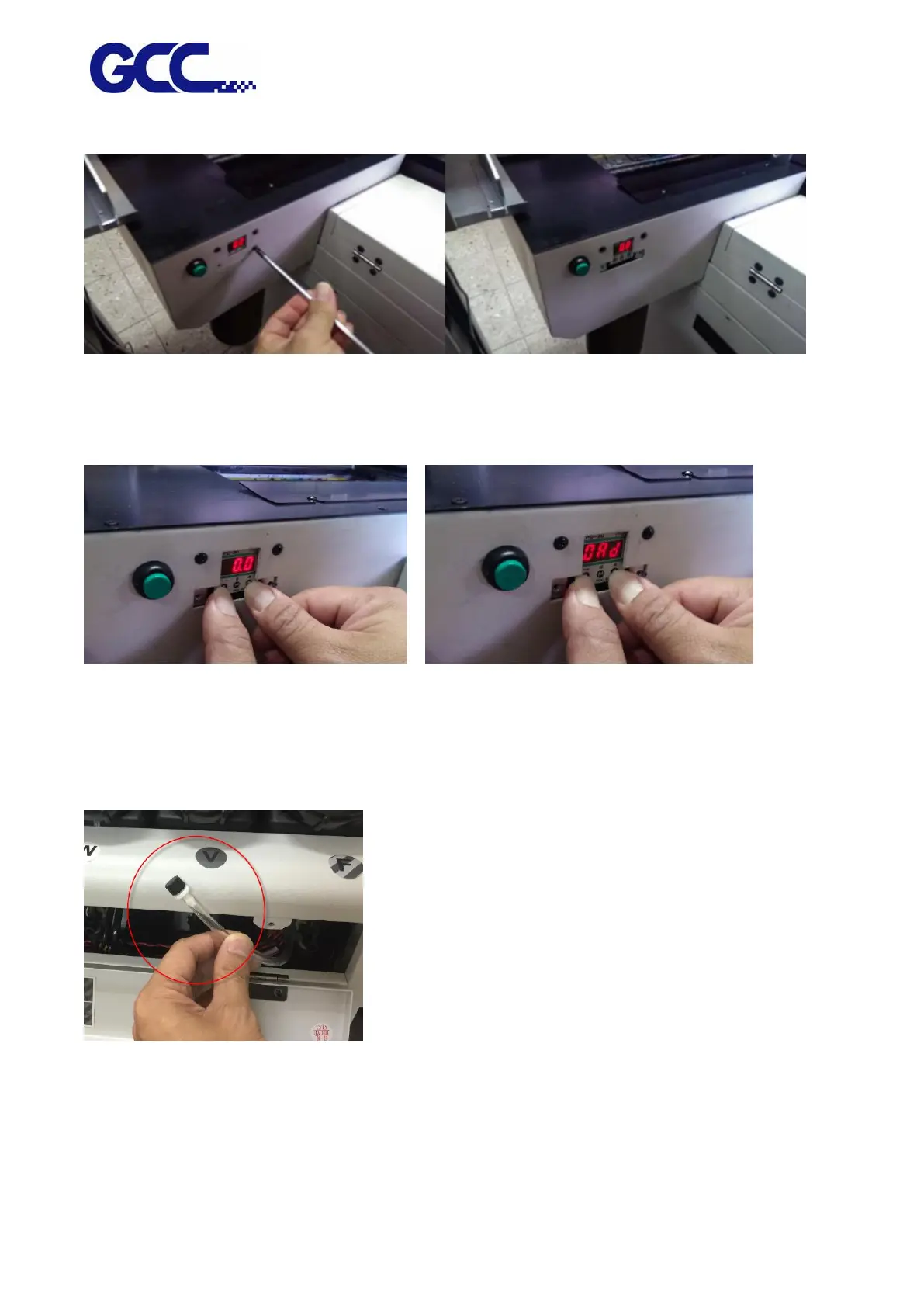
Step 4 Open the cover of pressure gauge.
Step 5 Pressand buttons at the same and hold for 2 seconds. Release after “0Ad” is shown on
the display and adjust the pressure gauge with andbuttons.
Note: the default setting for pressure gauge is between 3~4 kpa according to local environment.
Adjust the pressure gauge to optimized value base on the weather condition to prevent ink from
dripping.
Step 6 Put back the plug of air buffer tube.
Step 7 Install back the gauge cover and right side cover.
Step 8 Open the ink tube clip and complete the procedure.






 To Next Page