JF-240UV User Manual
33
sec., 1 min., 3 min. and 5 min.
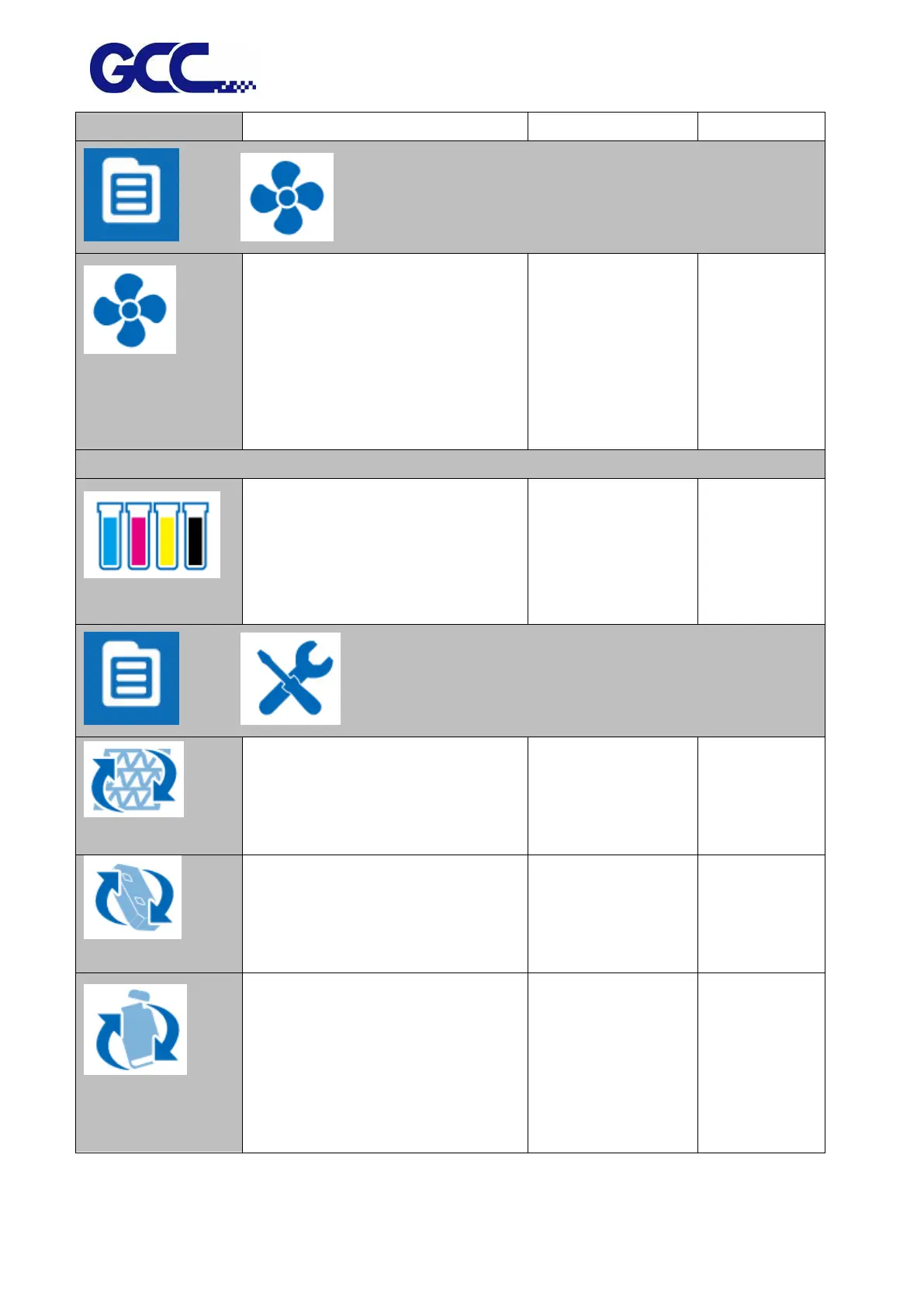
Vacuum function is to ensure
material’s flatness. This setting can be
enabled or disabled. Default is
enabled. If choose disable, then
there will be no vacuum sucking
during the printing operation.
Check remaining ink volume
* 99 means there is sufficient ink
* 0 means short of ink, need to refill
ink immediately.
Automatically move the cartridge to
the maintenance area on the left hand
side for LED lamp replacement.






 To Next Page