JF-240UV User Manual
48
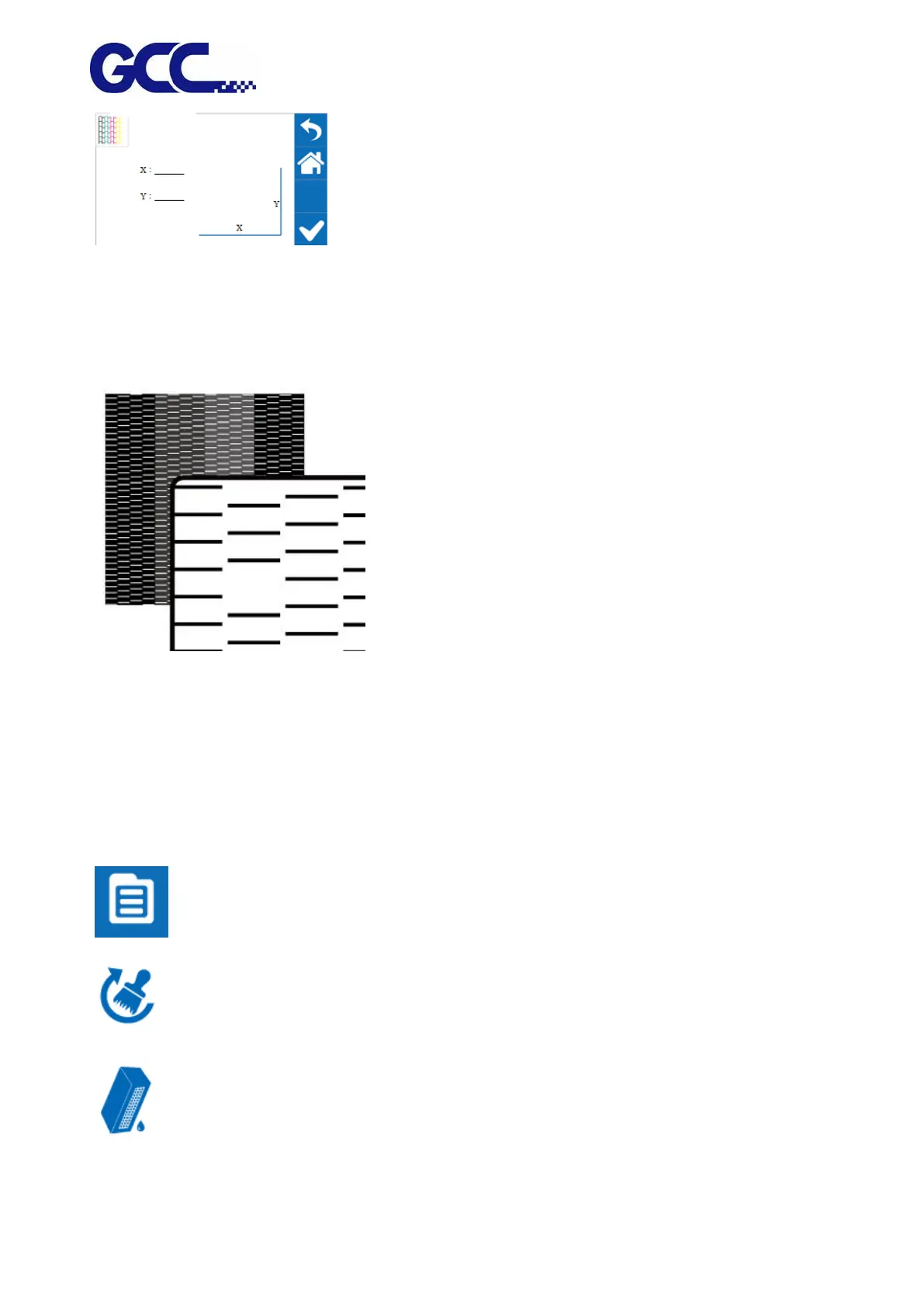
3. Set X and Y coordinates of NOZZLE CHECK pattern on the
material and select CONFIRM.
Step 2. JF-240UV will execute Nozzle Check automatically to ensure the print head quality.
(Please refer to Chapter 6.3.3 and Chapter 6.3.4 for detailed instructions)
If there is blocked pixel in print head, recommend to conduct following steps:
Step 3. Conduct normal cleaning (Suggest for first time cleaning). If the problem persisted, please
repeat the cleaning process.
1. Select MENU on the control panel.
2. Select CLEANING
3. Select NORMAL and the machine will proceed to NORMAL Cleaning.






 To Next Page