JF-240UV User Manual
54
Toolbar
Launch FlexiPRINT GCC Edition program. The toolbar is the fastest way to browse through it.
Launch “Toolbar”, right click on the blank section on the toolbar, then select the toolbar or content
to be displayed.
If you want to view the layout for the main page, please refer to the software basic elements.
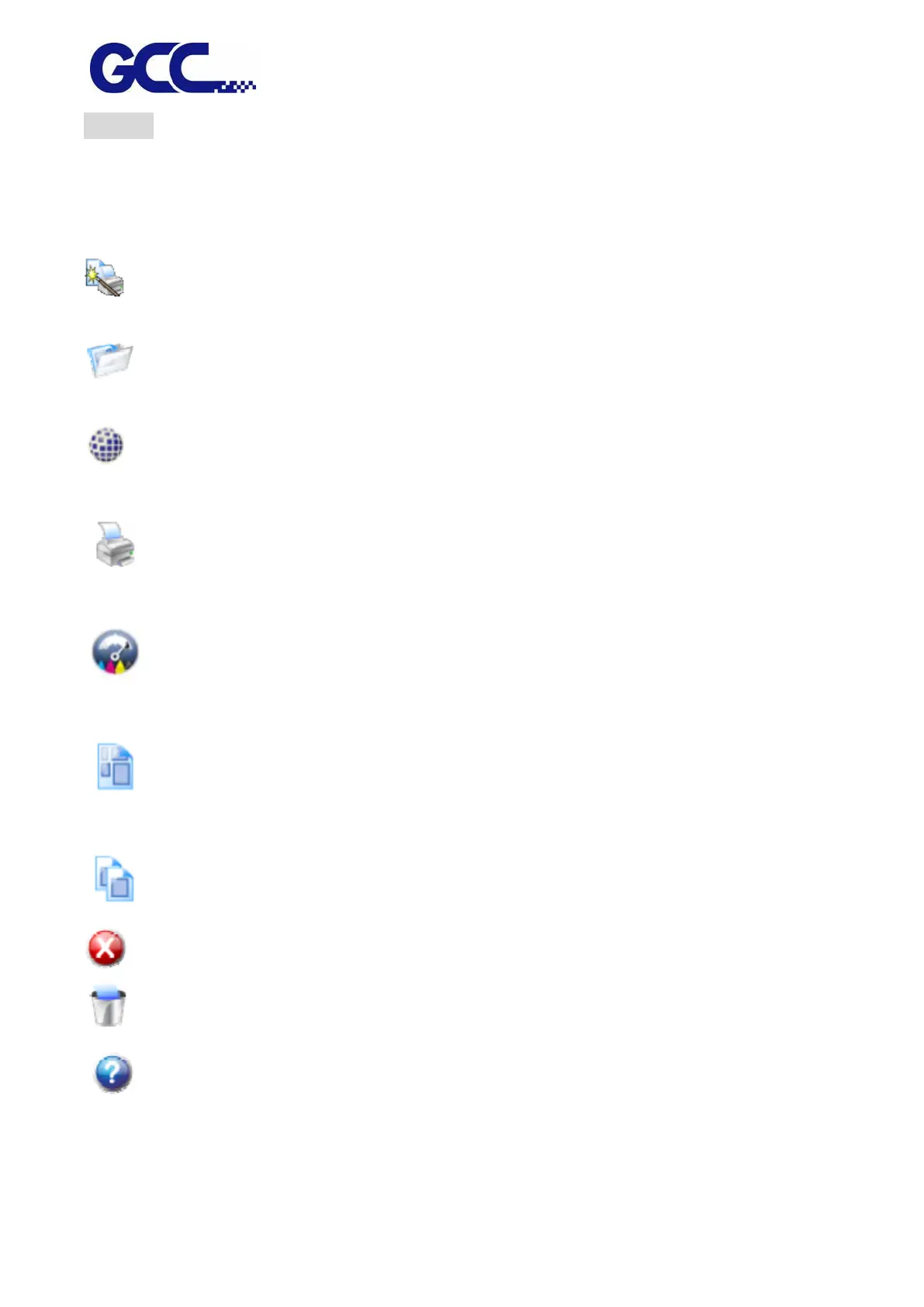
Wizard Launch “Wizard” dialog box
Job Click on “Job” button to add job.
Click on “Job” menu button to check on the quick menu.
RIP Click on “RIP” button to conduct RIP for the selected job.
Click on “RIP” menu button to check on the quick menu.
Send Send the selected job to output to the output device, if necessary conducts RIP
for it.
Estimate Estimates the amount and cost of ink used in a job. Helps calculate the true cost
of any print job. Can also prevent running out of ink in the middle of a job.
Nest Nests the selected jobs together to use the minimum amount of the output
media.
Unnest Unnests the selected set of nested jobs.
Abort Abort the RIP process or output process for the selected document.
Delete Delete selected job or jobs.
Help Click on “Help” button to open HTML help document.
Click on “Help” menu button to check on the quick menu.






 To Next Page