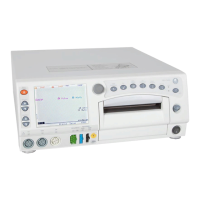
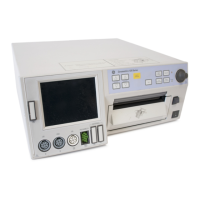
2-10 250cx Series Maternal/Fetal Monitor Revision C
2036947-001
Equipment Overview: Softkeys
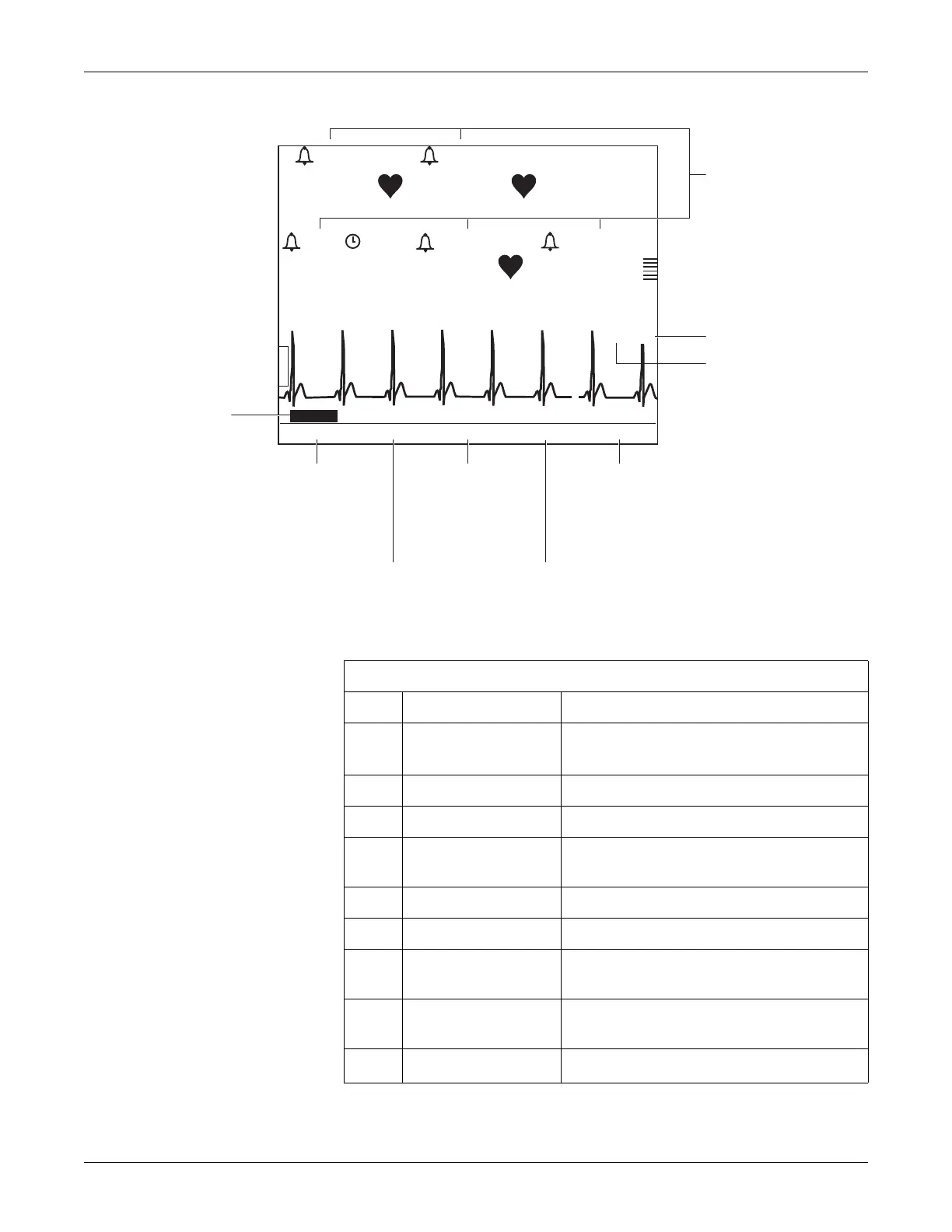
Maternal/Fetal Monitor Display Summary
165
172
30
130/ 85
89
97%
MECG
MSpO
2
NIBP
MAP (107)
03:15
09:22:06
US2
US
TOCO
02:15
Print Freeze Alarms Setup VSHX
25 mm/s
II Auto
HBC
MECG 09:21:41 Frozen
A
B
C
I
D
E
F
G
H
Table 3. Display Summary
Name Description
A
Mode Title Softkeys Selects US, US2, FECG, NIBP, MHR/P, or MSpO
2
Setup screens.
B ECG Scale Softkey Selects 0.25x, 0.5x, 1x, 2x, 4x, or Auto.
C MECG Lead Softkey Selects Lead I, II, or III.
D
VSHX Softkey Displays maternal Vital Signs History screen. (See
illustration below.)
E Setup Softkey Displays General Setup screen
F Alarms Softkey Displays Master Alarm Setup screen.
G
Freeze Softkey Freezes waveform for analysis; unfreezes
waveform to return to real-time display.
H
Print Softkey Prints 6-second snapshot of frozen waveform, real-
time waveform, or maternal vital signs history.
I
Waveform Softkey Selects FECG, MECG, MSpO
2
, or Off.


 To Next Page
 Loading...