5-18 Using BIOS Setup and System Recovery
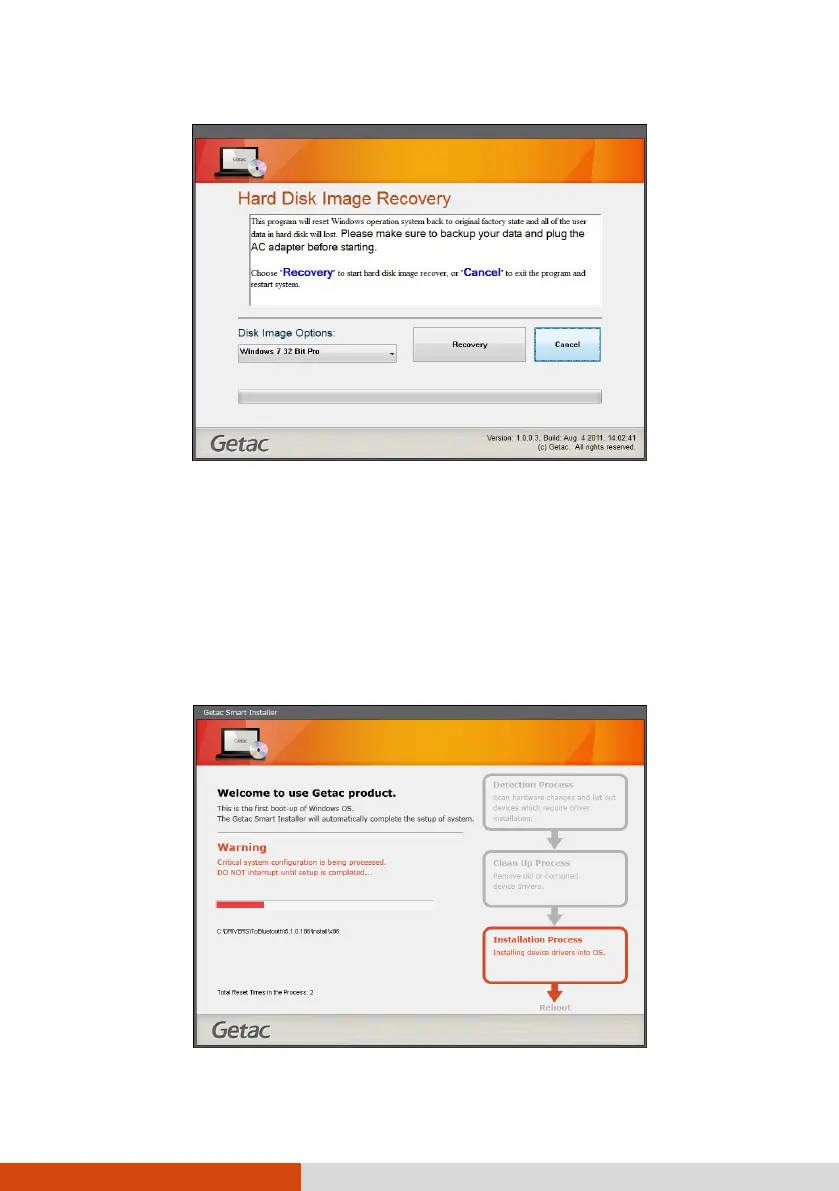
4. The progress bar shows the percentage completed. When it reaches 100%, the
system turns off.
5. Turn on the Tablet PC. The Windows setup wizard starts. Follow the onscreen
prompts to continue.
6. When the system restarts, the installer screen appears. The installer will perform
system hardware detection and driver installation.



 To Next Page