Using 6-9
Monitoring Tab
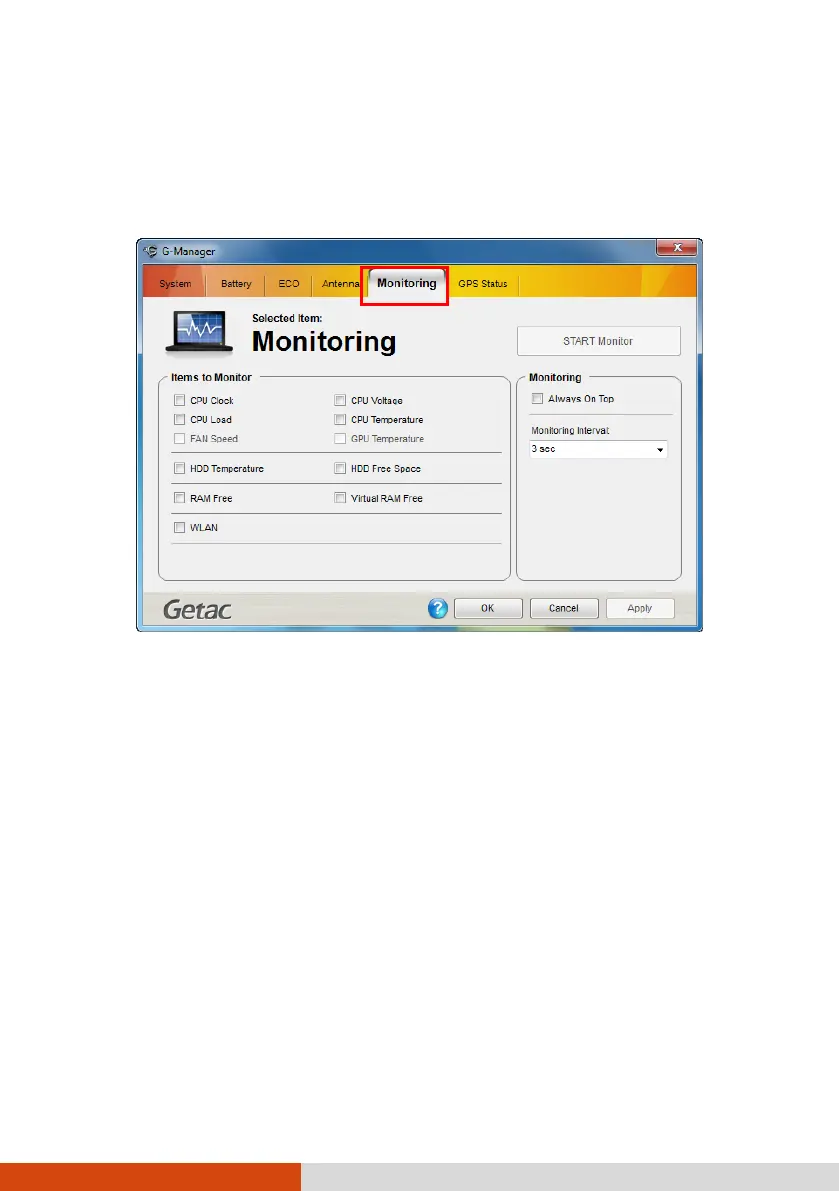
The Monitoring tab allows you to configure the monitoring function of G-Manager.
Items to Monitor
The left portion of the screen lists the items. Click the checkbox before an item
to include it as a monitored component. Click Apply or OK to save the changes.
NOTE: Different models have different supported monitoring items;
non-supported items cannot be selected (grayed out items).
Monitoring Options
The right portion of the screen allows you to set how the monitored items are displayed
and how often the monitoring is updated.
Always On Top – allows the monitoring window to remain on top of your display.



 To Next Page