2-24 Operating Your Computer
To turn off the Bluetooth radio:
You can turn off the Bluetooth radio by using the Quick Bar.
If you want to turn off all wireless radio, slide the RF switch to the OFF position.
Connecting to another Bluetooth Device
1. Make sure that the Bluetooth function is enabled (as described above).
2. Make sure that the target Bluetooth device is turned on, discoverable and within
close range. (See the documentation that came with the Bluetooth device.)
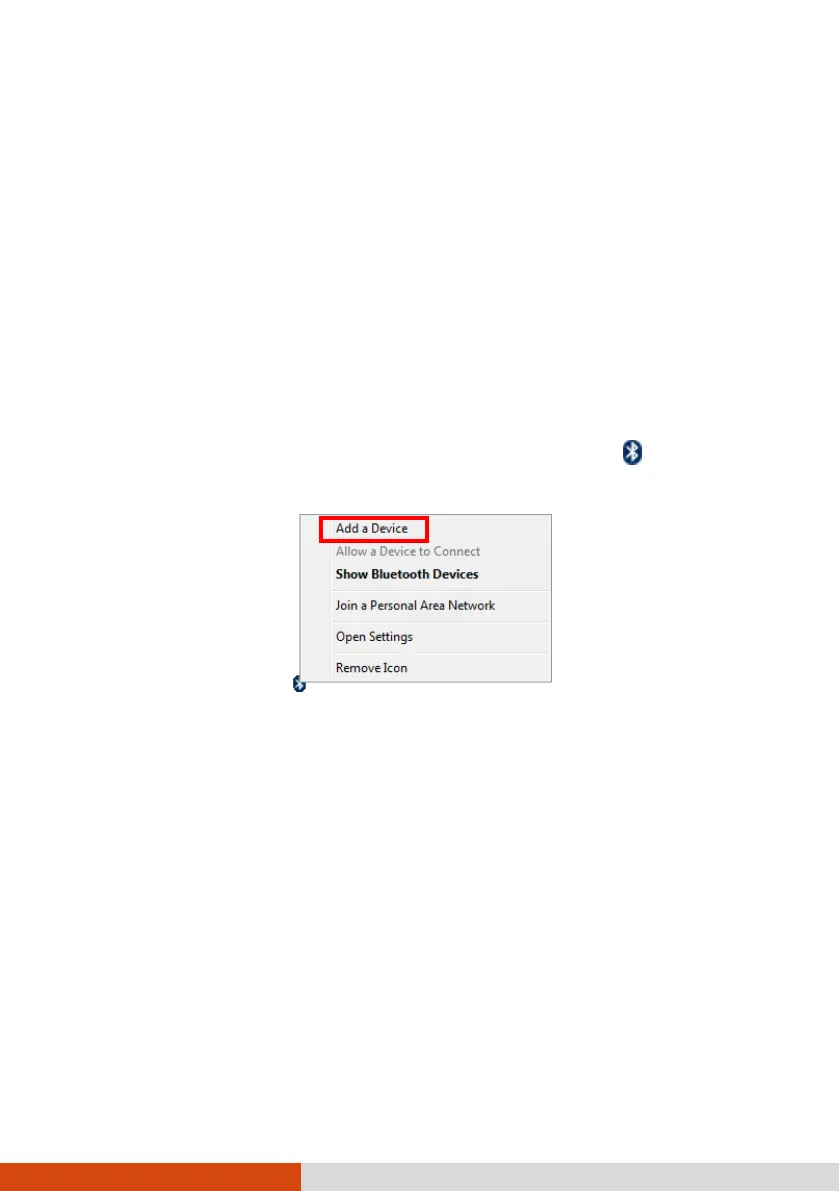
3. To search for Bluetooth devices, right click the Bluetooth icon
and select Add
a Device.
4. Select the device you want to connect from the search results.



 To Next Page