Operating Your Computer 2-31
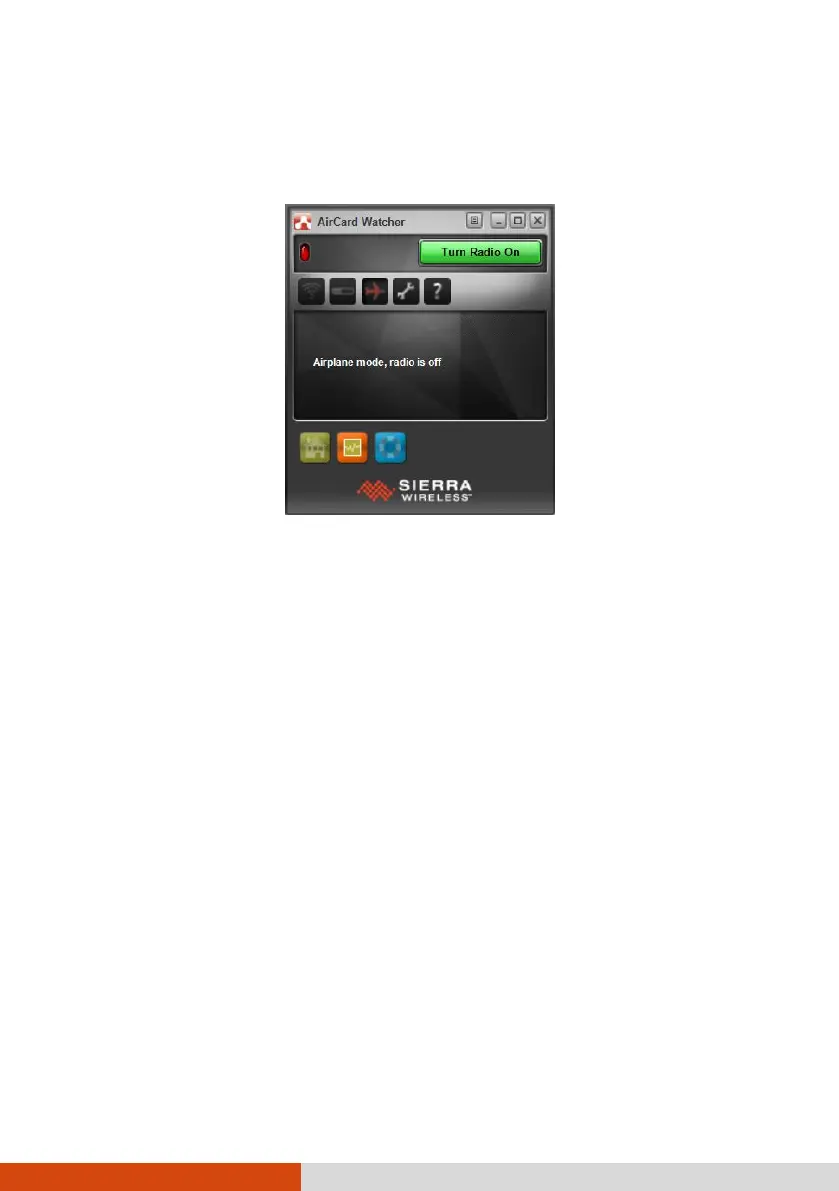
2. On Windows desktop, double click the AirCard Watcher shortcut. The screen as
below appears.
3. If the radio is currently off, click
Turn Radio On
to turn on the radio.
4. Use AirCard Watcher to manage your broadband wireless network connections
such as:
Connect to the Internet
Configure user options
Send and receive SMS messages
Manage profiles
Use GPS to track your position (for models having the GPS module)
NOTE: For detailed information on using AirCard Watcher, see the program’s
online help.



 To Next Page