4-6 Expanding Your Computer
Connecting an eSATA Device
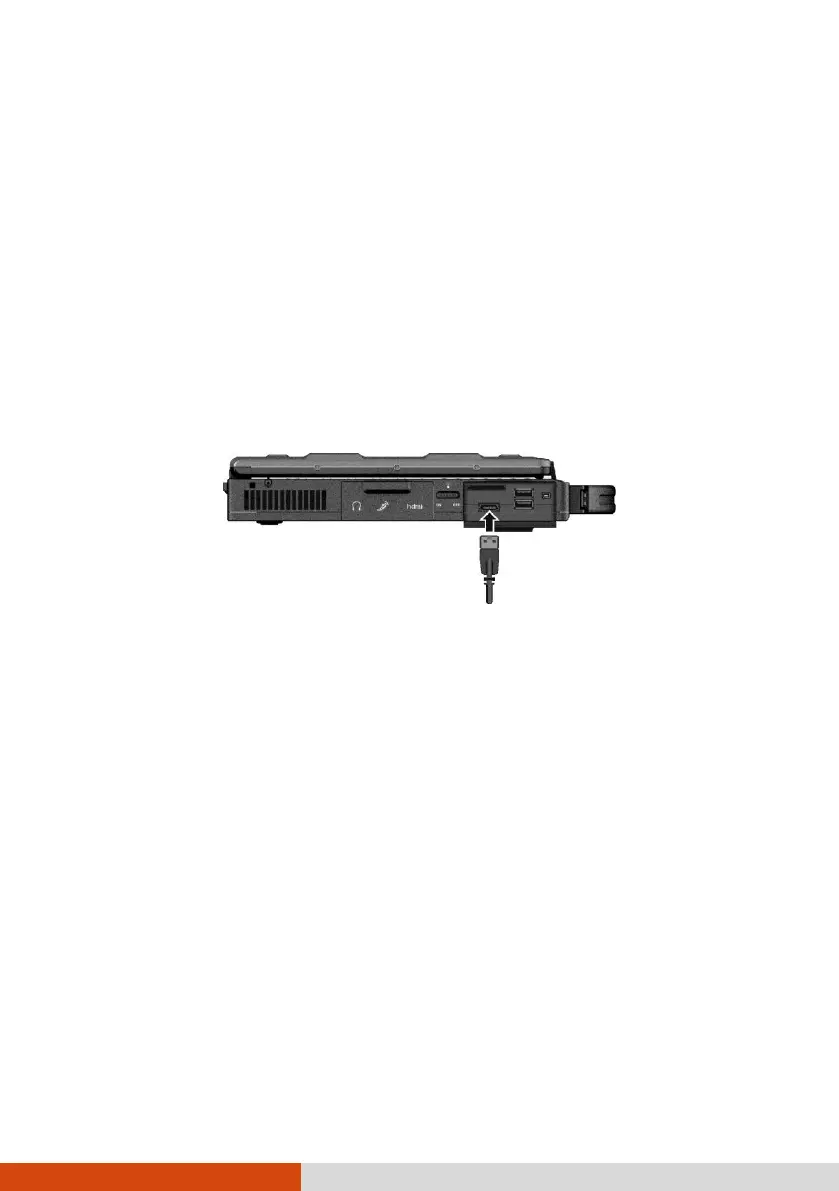
Your computer has an eSATA/USB 2.0 combo port for connecting eSATA devices
(such as an external hard drive and external optical drive) / USB devices (see
previous section).
The port supports SATA II with transfer rate up o 3.0Gbit/s. It can provide 5V
power if a certified USB-eSata combo cable is used.
To connect an external eSATA device, simply plug the device cable to the eSATA
port.



 To Next Page