1-14 Getting Started
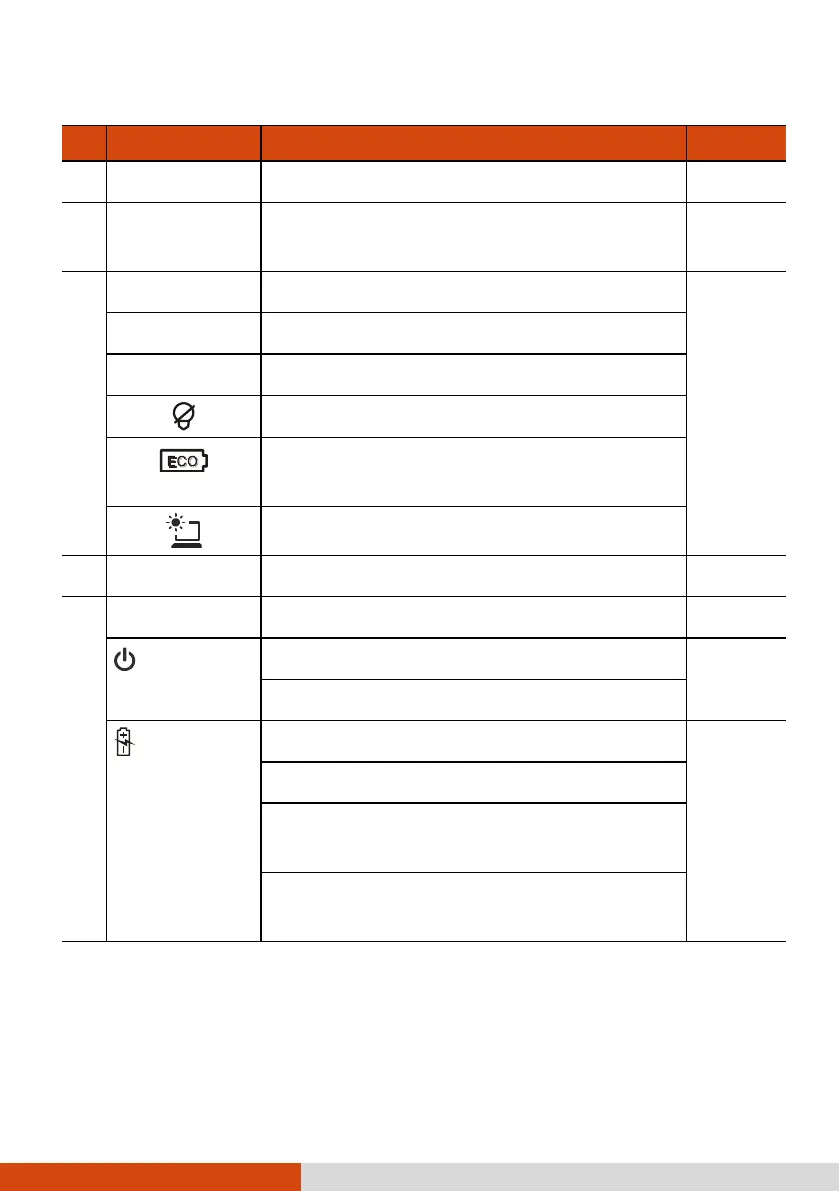
Receives sound and voice for the computer.
Scans and reads RFID (Radio-frequency
identification) tags.
Starts G-Manager by default.
Starts Microsoft Internet Explorer by default.
Toggles Blackout mode on or off.
Brings up the ECO menu for selecting a power
profile when using battery power.
Toggles the sunlight-readable mode on or off.
Serves as the pointing device of the computer.
Lights green when computer is on.
Blinks green when computer is in Sleep mode.
Lights green when the battery is fully charged.
Lights amber when the battery is being charged.
Blinks red when the battery’s capacity is below
10 %.
Blinks amber when the battery is in an abnormal
condition.



 To Next Page