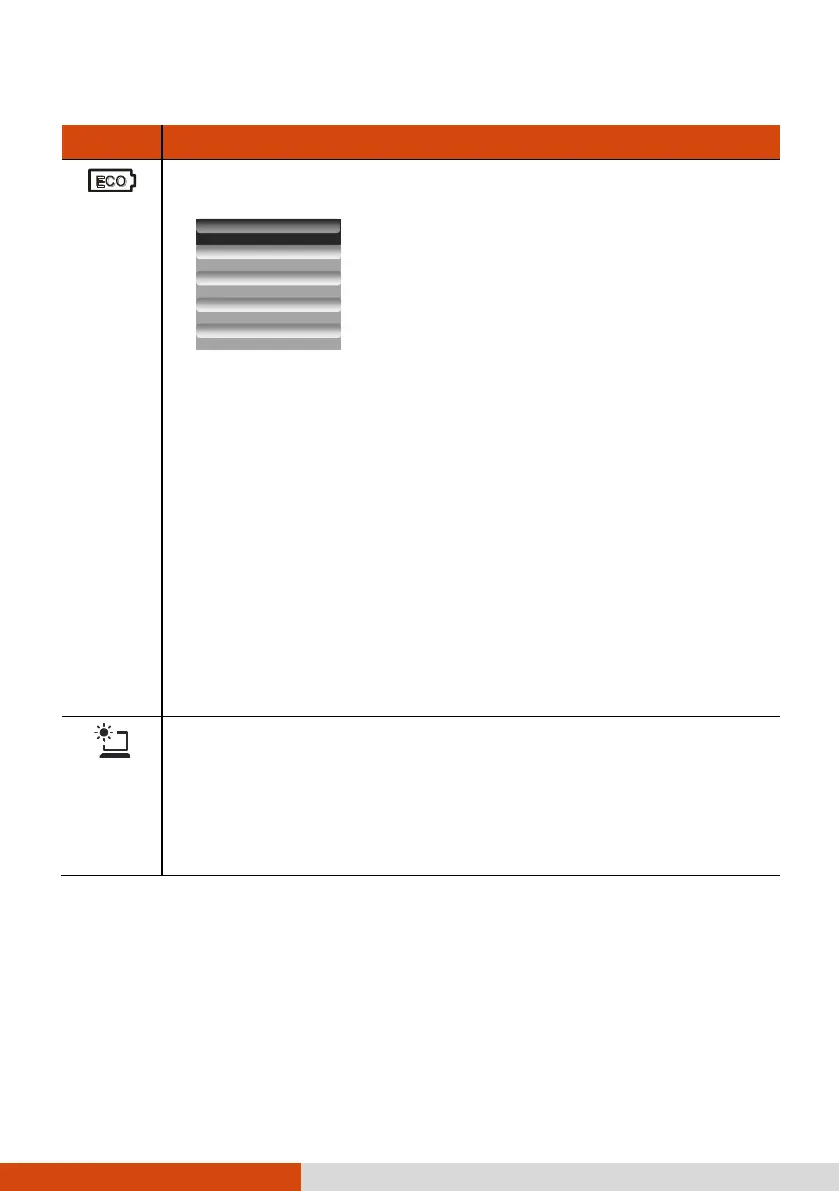
Brings up the ECO menu as shown below:
Select a mode before the ECO menu disappears. You can select a
mode by pressing the arrow key. Whenever you press the ECO button,
the setting always defaults to Off. The ECO mode will return to the
default Off setting when AC power is connected, any power related setting
is changed, the computer resumes from Sleep/Hibernation mode, or the
computer is restarted.
Each ECO mode (Quick, Power Saving, or Work) is a combination
of power settings that results in different power consumptions. (For
information on configuring the ECO modes, see “ECO Tab” in Chapter
6.)
NOTE: The button works only when using battery power.
Toggles the sunlight-readable mode on or off.
In sunlight-readable mode, the LCD brightness is increased to the highest
level. The mode automatically ends when the brightness setting is
changed, the computer resumes from Sleep/Hibernation mode, or the
computer is restarted.



 To Next Page