Managing Power 3-7
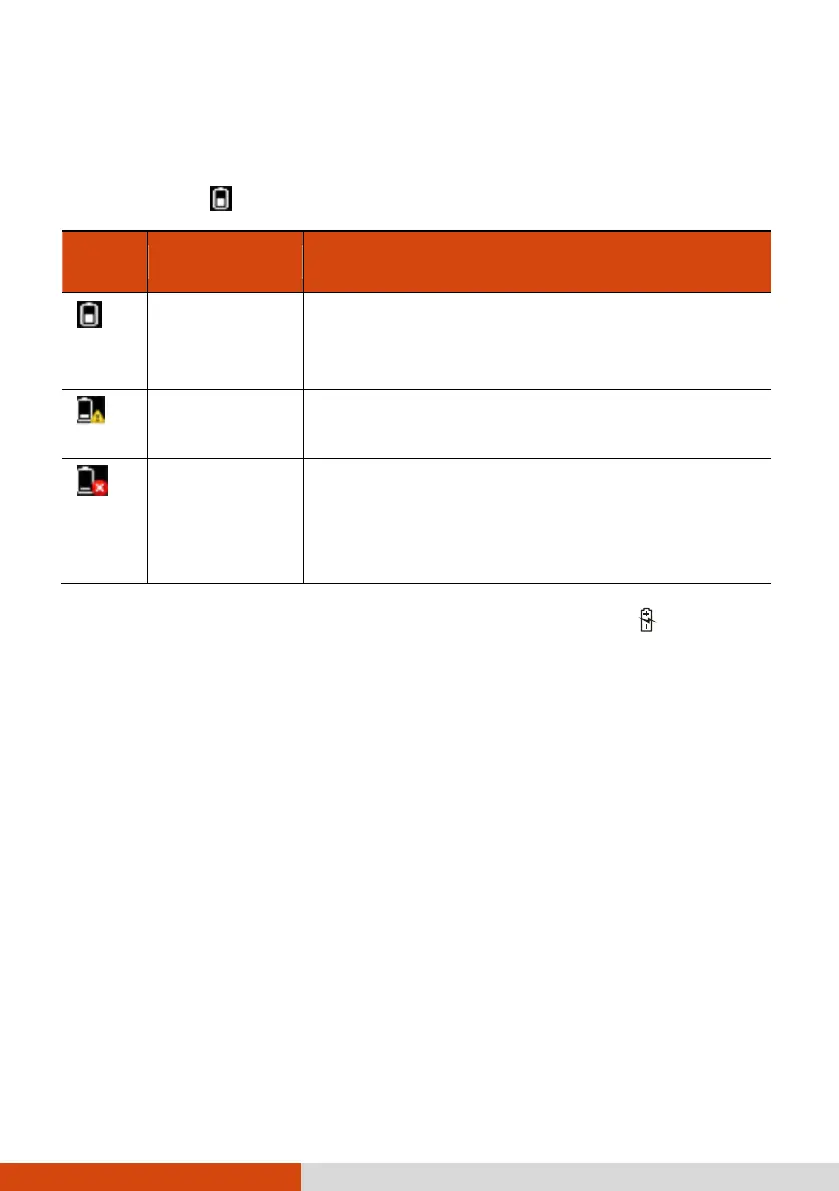
Battery Low Signals and Actions
The battery icon
changes appearance to display the current state of the battery.
The icon shows the charge remaining in 10-percent
increments until the charge reaches the low-battery
level.
The battery charge has reached the low-battery level
(10% by default).
The battery charge has reached the critical battery
level (5% by default). By default, Windows will
display a notification and put your computer into
Hibernation.
When the battery is low, the computer’s Battery Charge Indicator (
) also blinks
red to alert you to take actions.
Always respond to low-battery by connecting the AC adapter, placing your computer
in Hibernation mode, or turning off the computer.



 To Next Page