Operating Your Computer 1-13
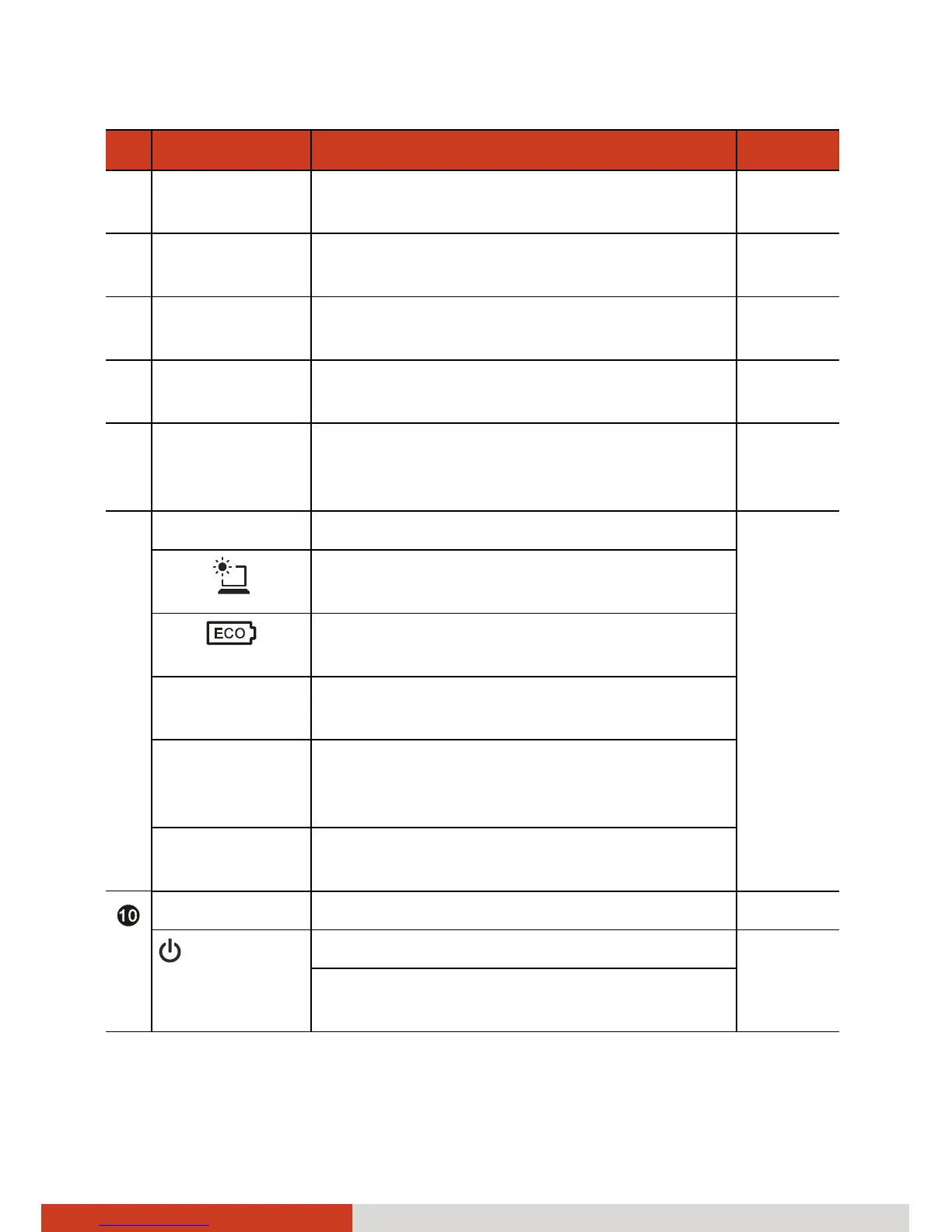
Ref Component Description See Also
q
Microphone Receives sound and voice for the
computer.
r
Power Button Turns the power on or off (Sleep mode by
default).
P. 1-5
s
Keyboard Serves as the data input device of the
computer.
P.2-2
t
Touchpad Serves as the pointing device of the
computer.
P. 2-7
u
Fingerprint
Sensor
Serves as the fingerprint verification,
preventing unauthorized access to your
computer.
P. 2-33
v
Quick Buttons P. 2-15
Toggles the sunlight-readable mode on or
off.
Brings up the ECO menu for selecting a
power profile when using battery power.
P1 Toggles Blackout mode on or off. (The
function can be redefined.)
P2 Brings up the Quick Bar for turning on or
off the individual wireless radio. (The
function can be redefined.)
P3 Toggles the light sensor on or off. (The
function can be redefined.)
Indicators
Power Lights green when the computer is on. P. 1-5
Lights amber when the computer is in
Sleep mode.



 To Next Page