1-14
Operating Your Computer
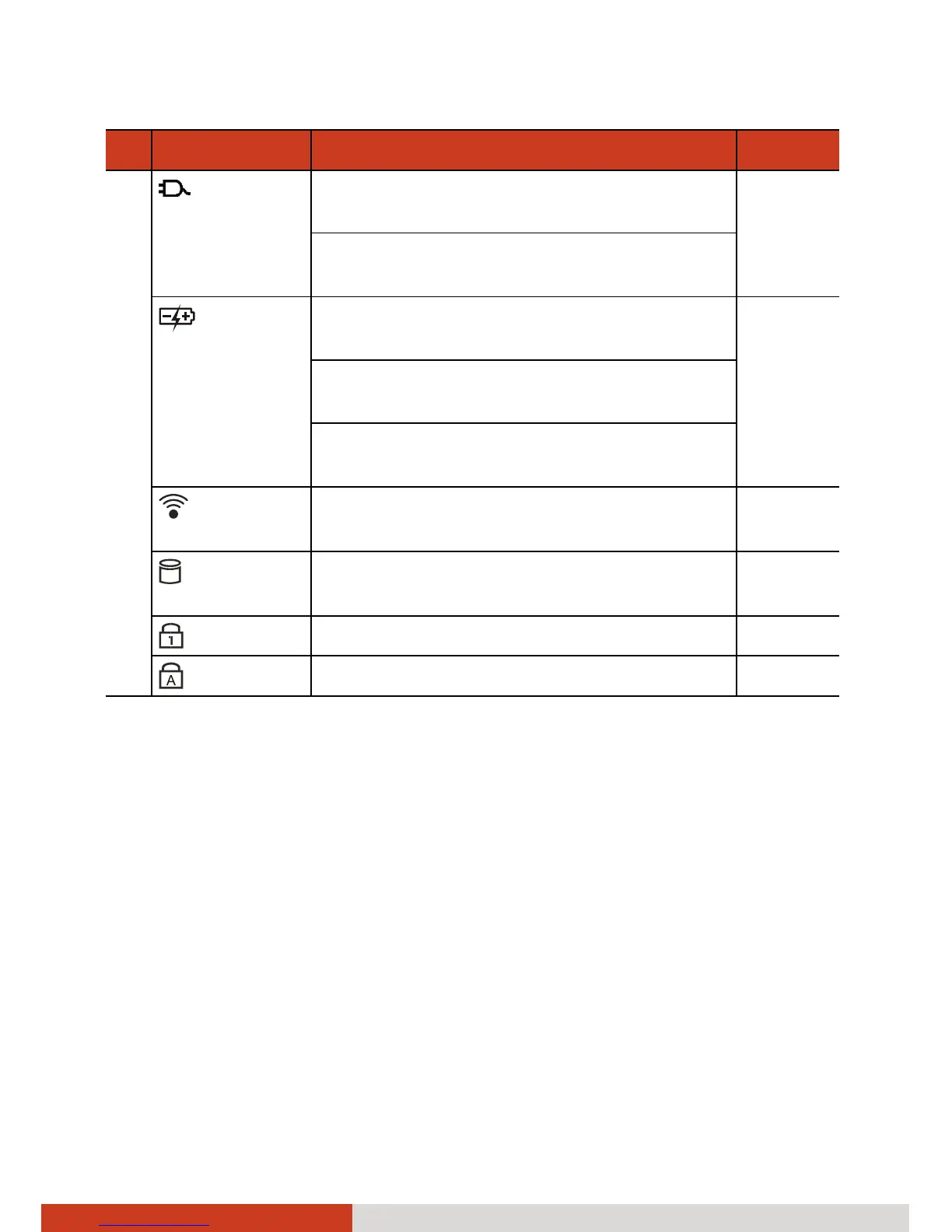
Ref Component Description See Also
AC Power Lights green when the computer is
operating with AC power.
Lights red when the optional hard disk
drive heater is on.
Battery
Charge
Lights green when the battery is fully
charged.
P. 3-3
Lights amber when the battery is being
charged.
Blinks amber when the battery’s capacity
is below 10 %.
Wireless
LAN/3G
Lights green when the wireless LAN
and/or 3G radio is on.
Hard Disk
Drive
Blinks green when computer is reading /
writing data to the hard disk.
Num Lock Lights green when Num Lock is on. P. 2-3
Caps Lock
Lights green when Caps Lock is on. P. 2-3



 To Next Page