Instruction Manual ProfiLux 4 / 4e
EN 2019-01-22 20
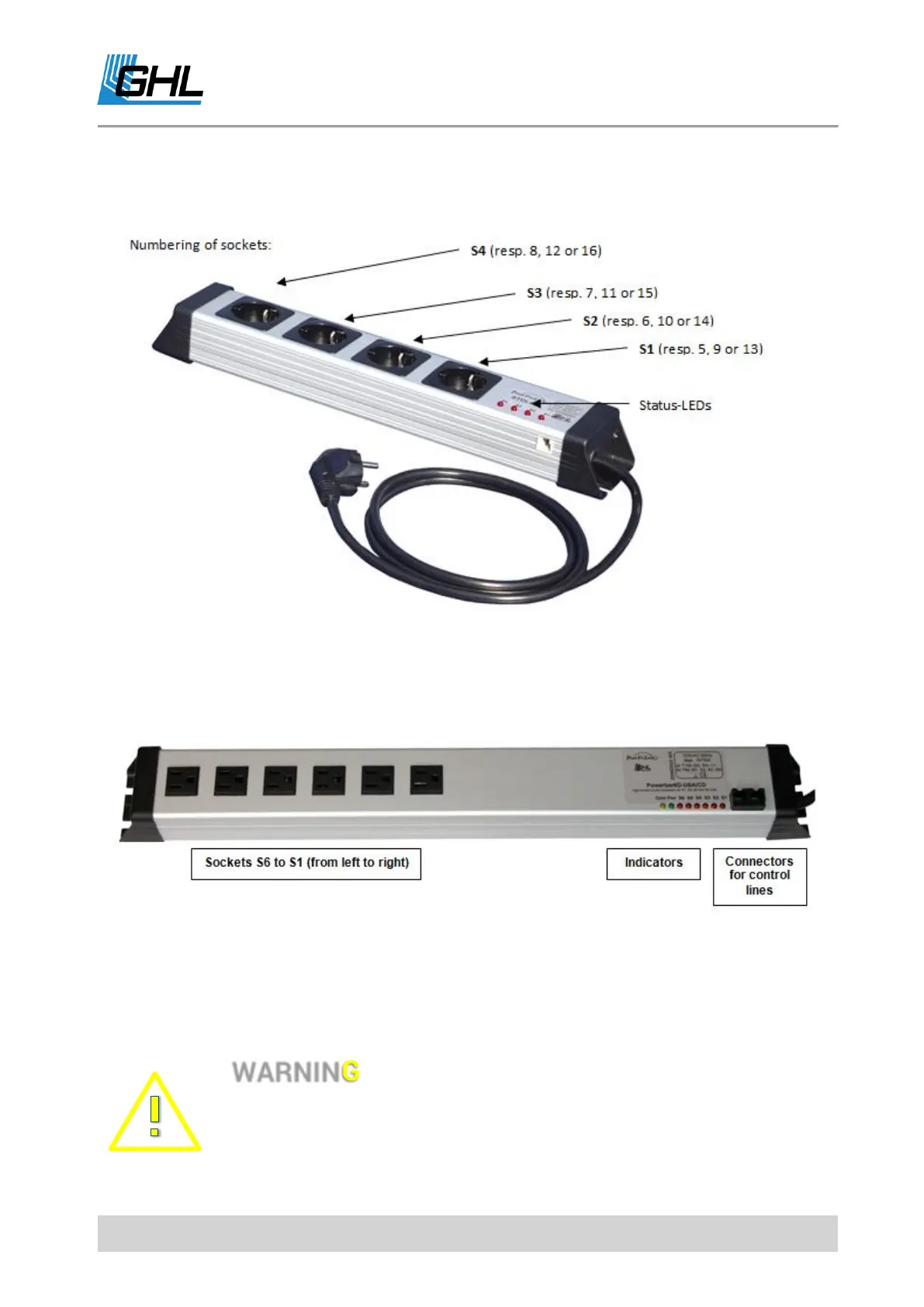
At ports S1-S4 and S5-S8, two STDL4-4 (each with four sockets) can be connected. If a
corresponding expansion card is used, two additional STDL4-4 can be controlled.
5.4.2 Powerbar 6D
Alternatively, you can also connect a Digital Powerbar (Powerbar 6D with 6 sockets) to the S-
Ports.
The Digital Powerbar Powerbar 6D has its own microprocessor and is bus-compatible (up to 4
Powerbar 6D can be daisy-chained).
The microprocessor control offers additional security features.
• If you want to use a Digital Powerbar (Non-PAB) with the ProfiLux 4,
the corresponding S-socket in the ProfiLux 4 must be activated
before any programming takes place.



 To Next Page