EasyManua.ls Logo

GHL ProfiLux 4 - Wifi Status Leds on the Front Panel

GHL ProfiLux 4
49 pages
Print Icon
To Next Page IconTo Next Page
To Previous Page IconTo Previous Page
Loading...
Instruction Manual ProfiLux 4 / 4e
EN 2019-01-22 26
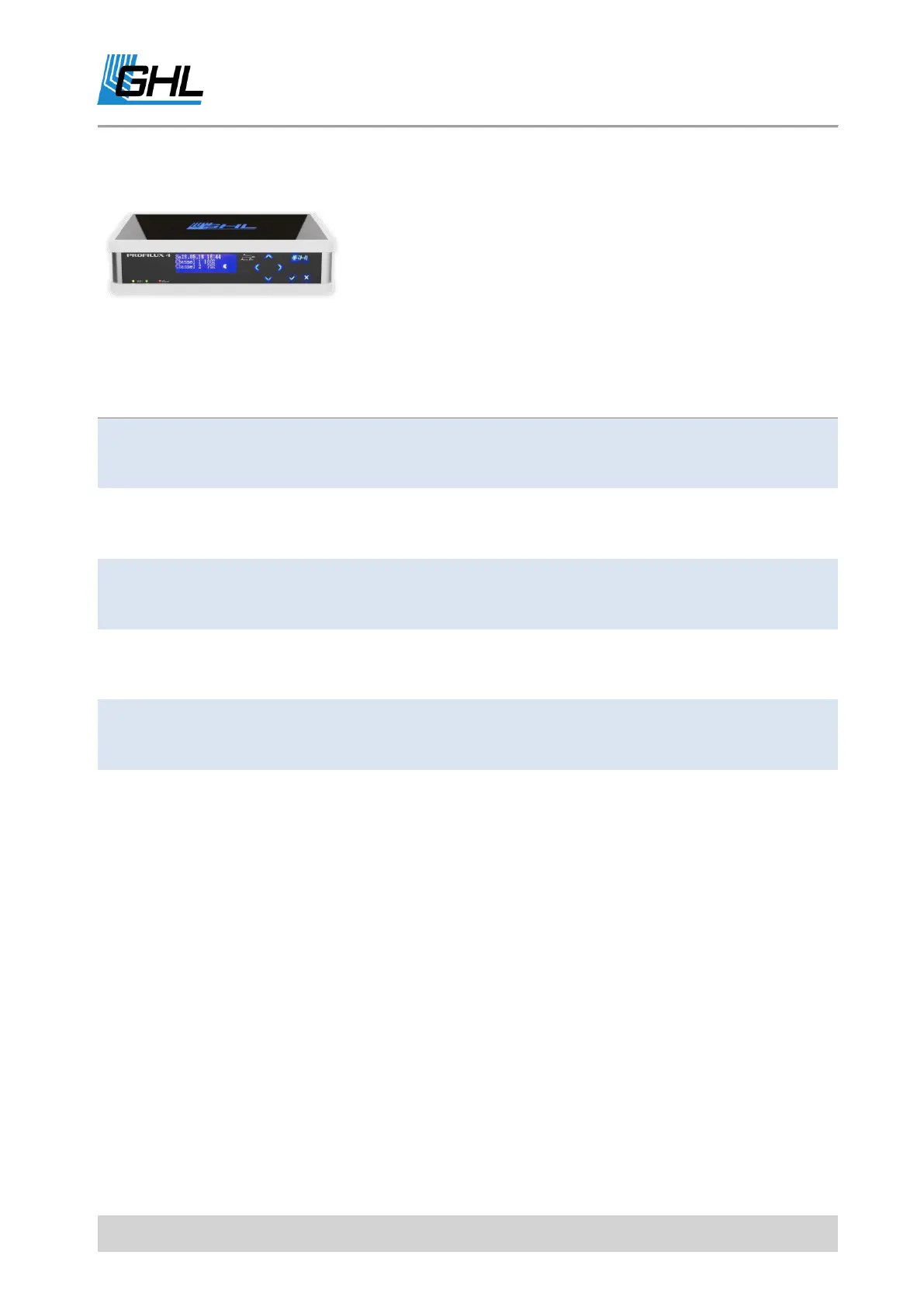
5.9.2 WiFi Status LEDs on the Front Panel
Located on the front panel of the ProfiLux 4 / 4e next to the
red Alarm LED are another two LEDs that provide information
about WIFI connection and communication.
Status
Meaning
Yellow LED is ON
ProfiLux has WiFi connection as Access Point (AP)
Yellow LED flashes
ProfiLux has active WiFi communication as Access
Point
Green LED is ON
ProfiLux has WiFi connection in the network
infrastructure
Green LED flashes
ProfiLux has active WiFi communication in the network
infrastructure
Both LEDs are OFF
ProfiLux has no WiFi connection

Table of Contents

Other manuals for GHL ProfiLux 4