Instruction Manual ProfiLux 4 / 4e
EN 2019-01-22 35
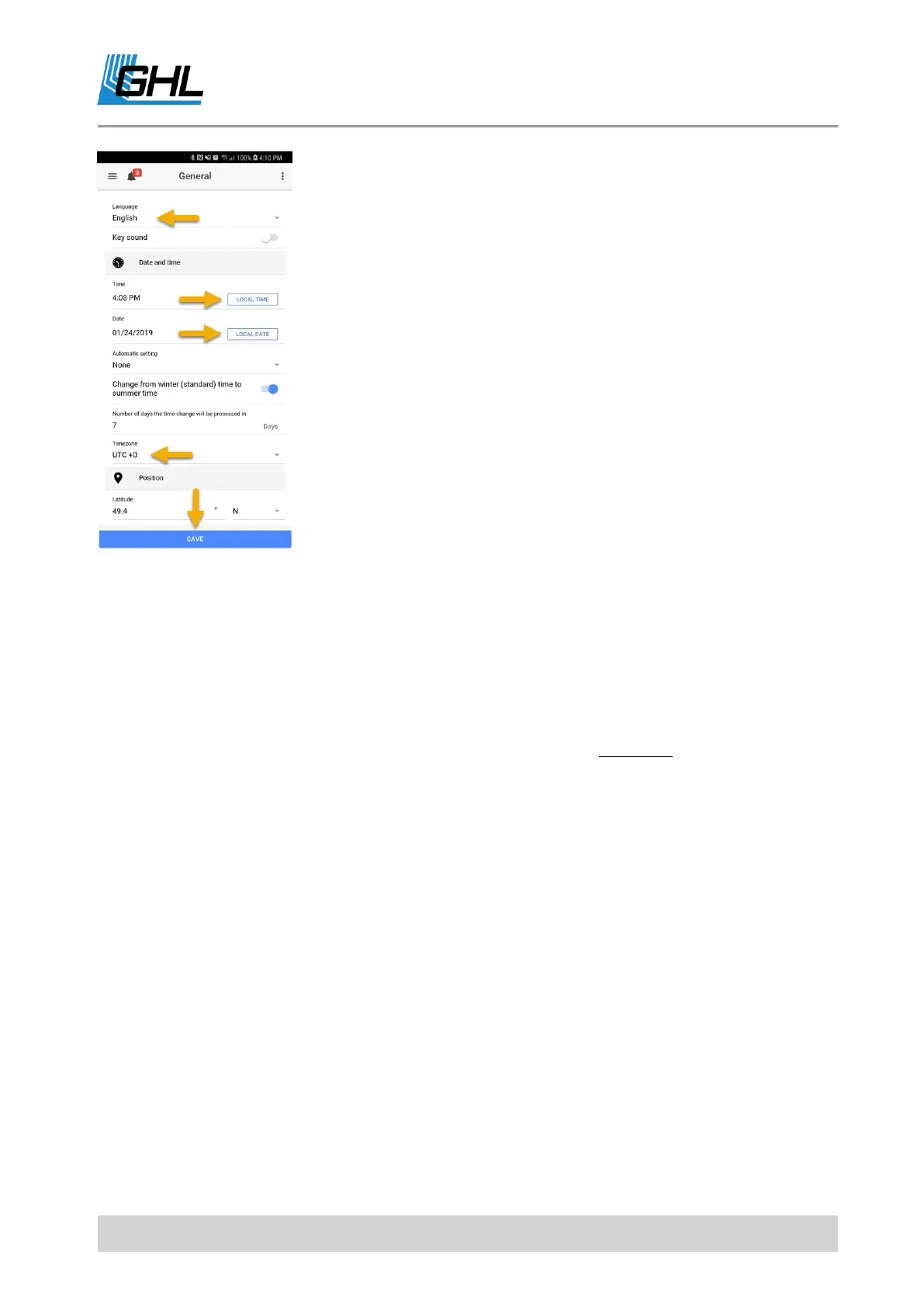
NOTE: When setting time zone, be sure to choose the correct
option for accurate probe measurement data logging. Example,
EST -> UTC is (-5)
OPTIONAL: If you wish to have an audible alarm only at certain
times of the day, you can activate that feature in the Alarm section.
The brightness of the GHL –logo can also be adjusted.
If you wish to set a custom PIN to prevent unauthorized access,
you can do so in the Security section.
6.2.3 Hotspot Setup
Step 5: Press menu icon (top left), select Network, select Access Point, select ON to enable.
In the SSID field, type-in any name you wish to give to your P4 / P4e’s hotspot (this will be the
new name of your hotspot signal, no longer GHLDEV).
Type-in the password you wish to give to this hotspot network; minimum 8 characters or
digits.
Press Apply, press Save, then confirm by pressing YES.



 To Next Page