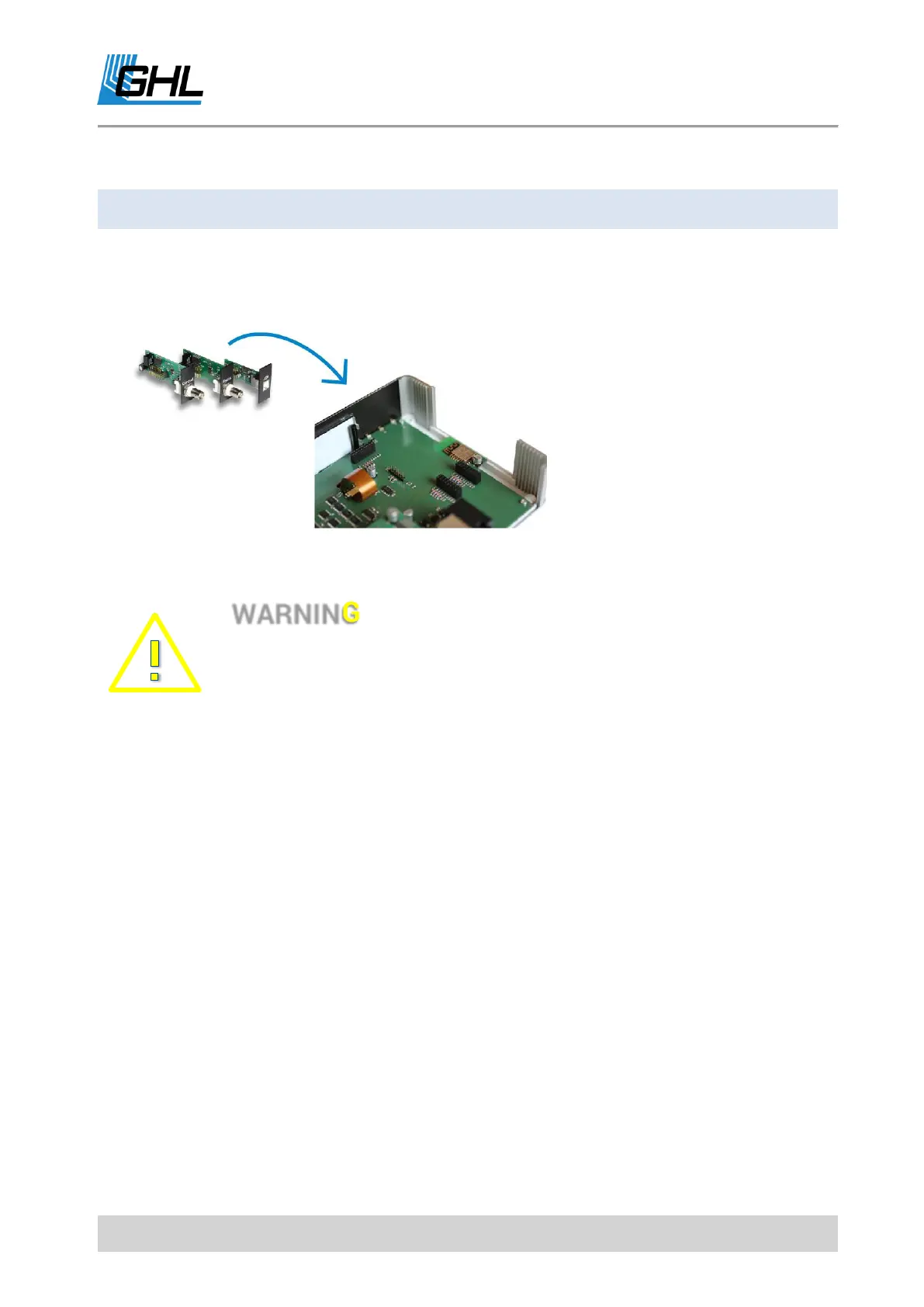
ProfiLux Expansion Cards can be
inserted easily into the provided
expansion slots. They are
automatically detected by the
ProfiLux 4 and can be combined
with other Expansion Cards as
desired.
If you wish to add an Expansion
Card, please read the following instructions before you start:
• If ProfiLux 4 / 4e is already in operation, pull the power plug and
remove all sensors and PAB cables.
• Please prevent damage to internal electronics by avoiding static
charges.
• Please do not wear clothing or shoes that may quickly become
electrostatically charged.
• Please do not walk or stand on a carpet while working on electronic
components.
• If possible, work on a grounded place.
• Before touching sensitive electronic components of the Expansion
cards or the ProfiLux 4 / 4e, please discharge yourself from static
charges by touching unpainted metal or a grounded surface.



 To Next Page