Configuring FlexPay IV Configuring CRINDBIOS for Software Version 42.11.XX or Later
Page 4-8 MDE-5369G FlexPay™ IV (with Omnia V04.07) Programming and Service Manual · March 2021
19 Press Cancel to save and return to the previous menu.
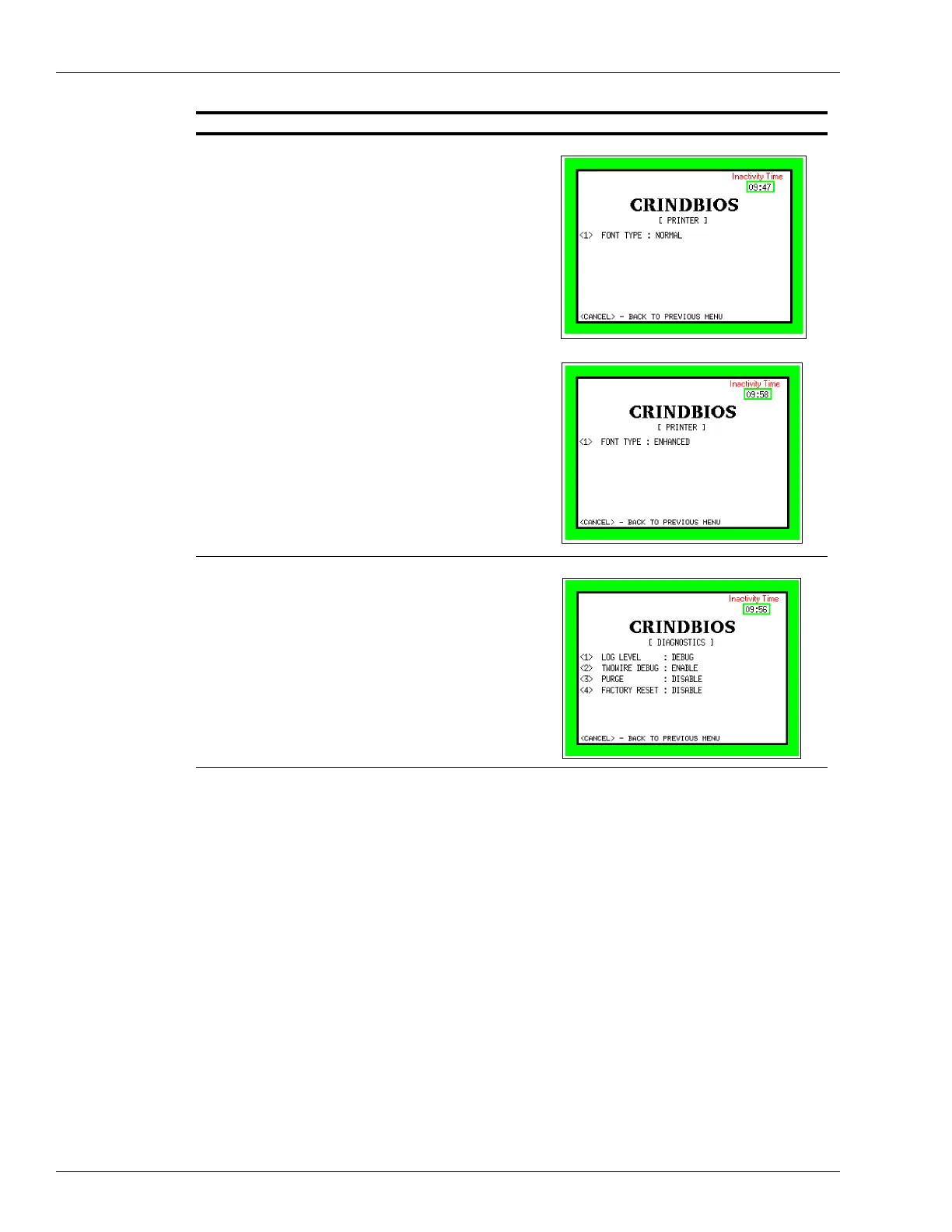
20 From the CRINDBIOS menu, press <6> Pr
inter.
21 From the PRINTER menu, press <1> to tog
gle between
Normal and Enhanced font type.
22 Press Cancel to save and return to the previous menu.
23 From the CRINDBIOS menu, press <4> Diagnostics.
• Set Purge to Enable and pr
ess Cancel to restart.
Description Screen



 To Next Page