Omnia Configurator - Creating a New Configuration Configuring Omnia PCB
MDE-5369G FlexPay™ IV (with Omnia V04.07) Programming and Service Manual · March 2021 Page 5-31
Accessing Omnia from the Backroom
After the Omnia is configured and if it is on a site LAN, it can be accessed from the backroom.
To access the Omnia, use the external IP of A or B side UPM, followed by “:3000”. For
example, 10.5.55.71:3000. From there, you can perform Omnia maintenance functions that do
not require opening the dispenser, such as software upgrades, Applause testing, and log
retrieval. Ensure that you cone off the dispenser that is impacted.
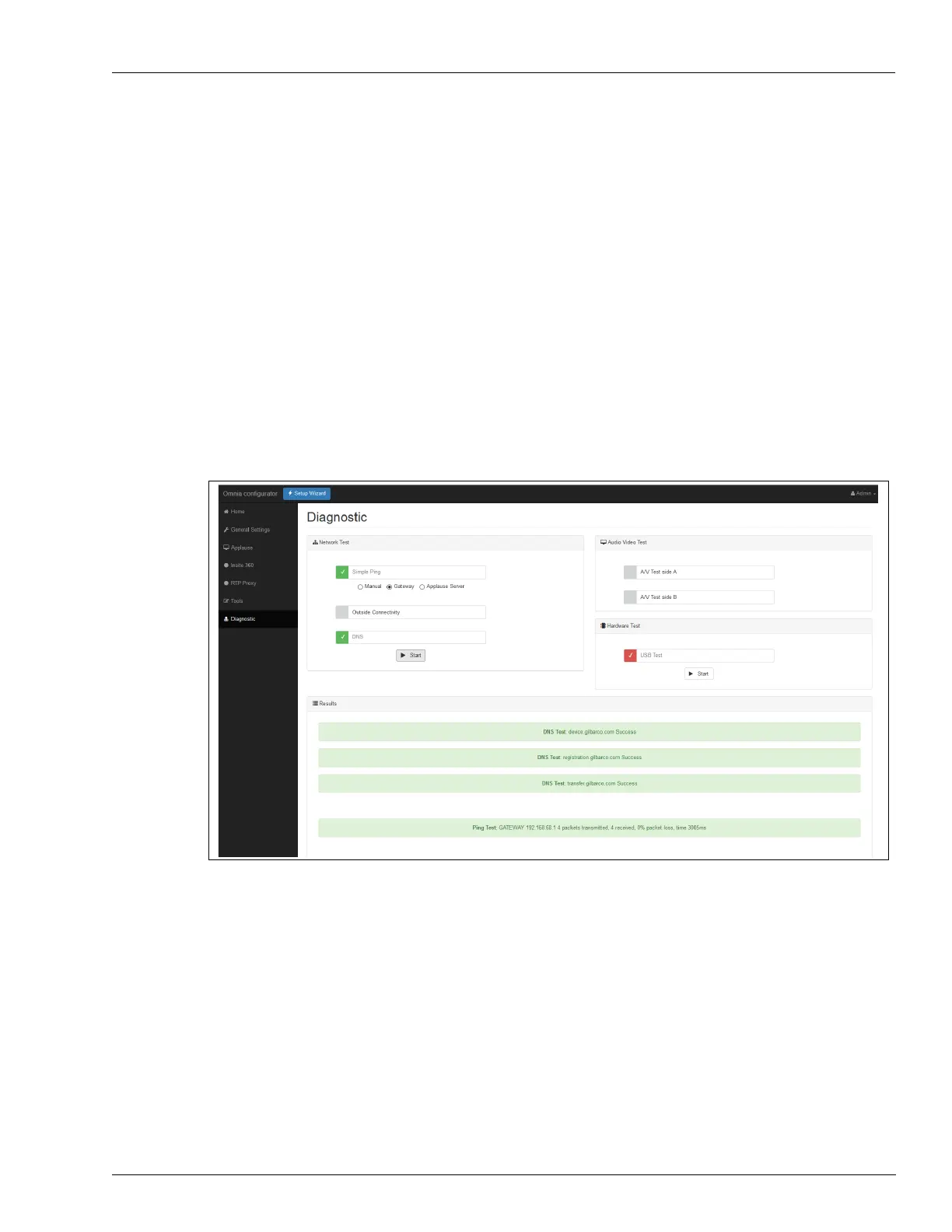
Omnia Configurator - Diagnostic
Omnia provides a set of utility functions to perform the following diagnostic tests:
• Networking diagnostics
• Audio video
• Hardware
To access the Diagnostic page, click Diagnostic on the left pane of the Web interface.
Figure 5-42: Omnia Diagnostic Page



 To Next Page