Configuring Omnia PCB Omnia Configurator - Creating a New Configuration
Page 5-38 MDE-5369G FlexPay™ IV (with Omnia V04.07) Programming and Service Manual · March 2021
Omnia Configurator - Insite 360
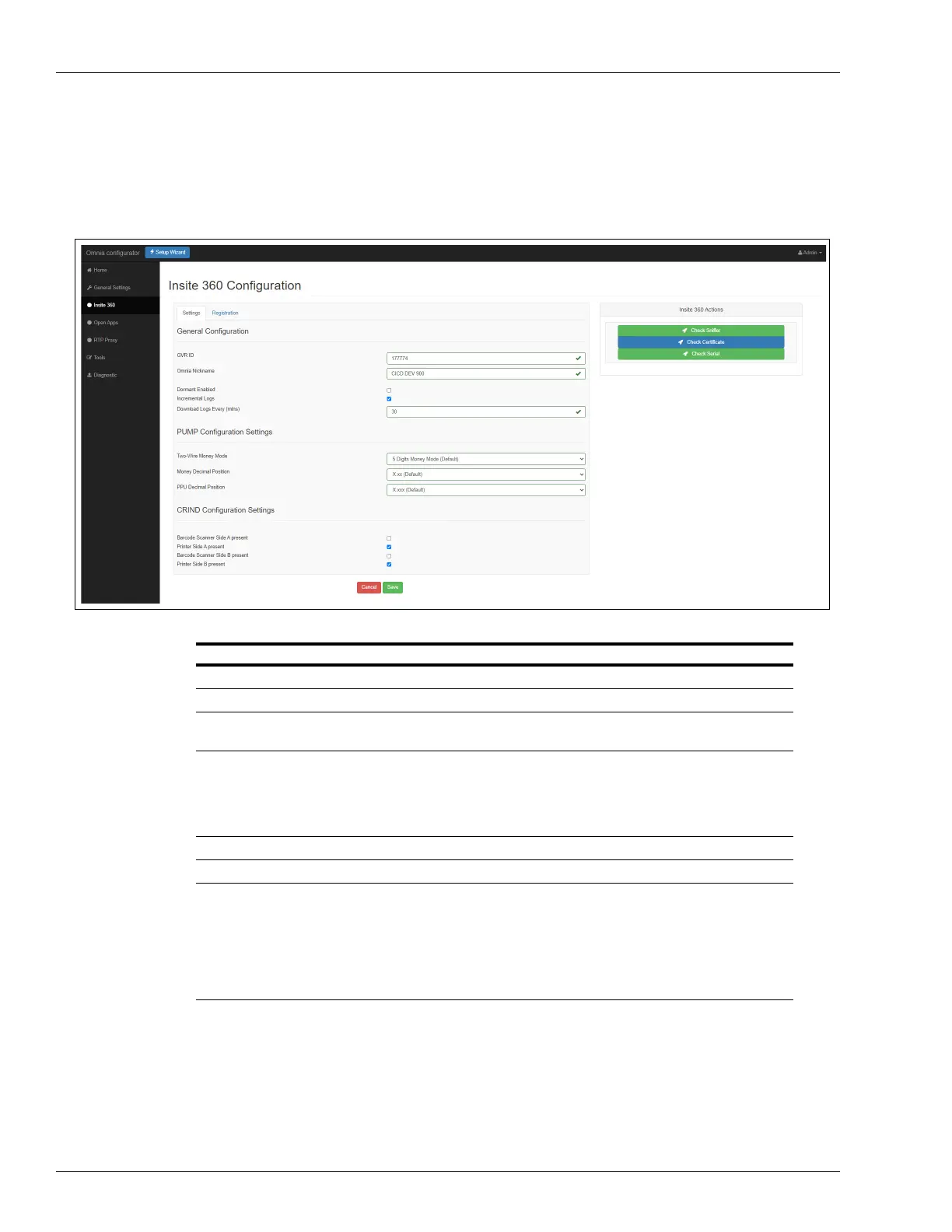
1 Click Insite 360 in the left navigation to open the Insite360 Configuration page as shown in
Figure 5-51.
Figure 5-51: Insite 360 Configuration Settings
Field Configuration Settings
GVR ID GVR ID
Omnia Local ID Local ID is defaulted to A side fueling position and is non-editable.
Omnia Nickname Site name.
Note: Use the same name for all units.
Dormant Enabled The dispenser is connected to i360 but no messages are exchanged
between the dispenser and Insite360. The status in the Insite360 portal for
the dispenser is the last one sent before getting into “Dormant Mode”.
Gilbarco can still “wake up” the units remotely to perform updates and log
collection when needed.
Incremental logs Ensure that the check box is selected (Download Enabled)
Download Logs Every (mins) Leave at 30 minutes unless directed to change by Gilbarco.
Pump Serial Interface Select from the following options:
• With Door Sensors: PCN version 04.xx or later and set to Realtime
Protocol.
• Without Door Sensors: Set to ZModem. This is the default value.
• To manage door sensors remotely through the Cloud, program the
pump to use Real time Protocol. For more information, refer to
MDE-3860 Programming Quick Reference Guide.



 To Next Page