Omnia Configurator - Creating a New Configuration Configuring Omnia PCB
MDE-5369G FlexPay™ IV (with Omnia V04.07) Programming and Service Manual · March 2021 Page 5-13
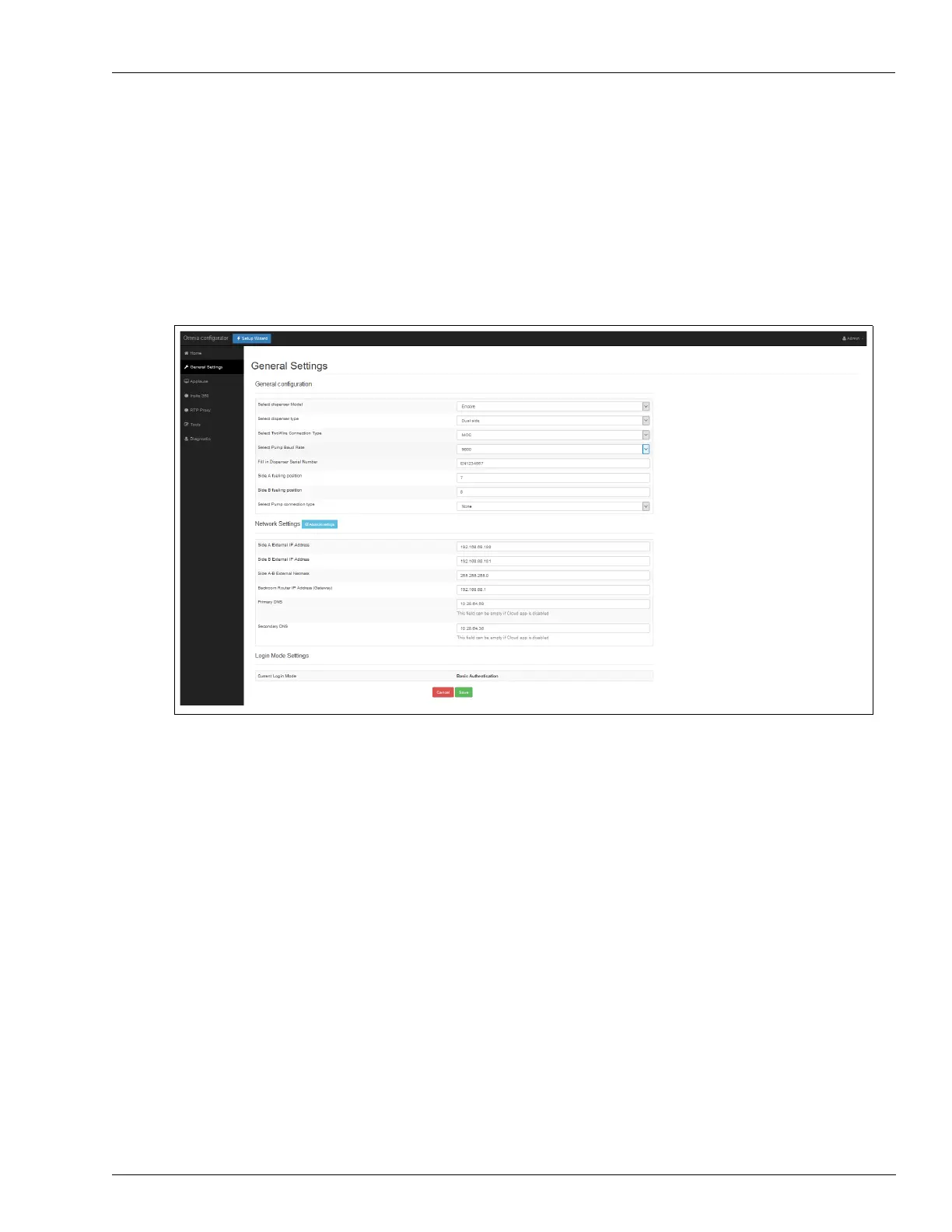
Omnia Configurator - General Settings
1 Click General Settings to open the configuration page as shown in Figure 5-19.
Note: For Door Sensor dispenser only: In case of
update from 03.xx to 04.xx release is
necessary to re-configure Dispenser Model and Pump connection to Encore and
RTP_serial settings.
Figure 5-19: General Settings



 To Next Page