Omnia Configurator - Export Config Configuring Omnia PCB
MDE-5369G FlexPay™ IV (with Omnia V04.07) Programming and Service Manual · March 2021 Page 5-45
Completing the Programming
To complete the programming, proceed as follows:
1 Exit the Omnia Configurator.
2 Re-establish two-wire communication to the POS.
Note: Depending on the POS, a purge may be required. Then, download the POS application.
3 Test the unit operation and open the fueling positions for use.
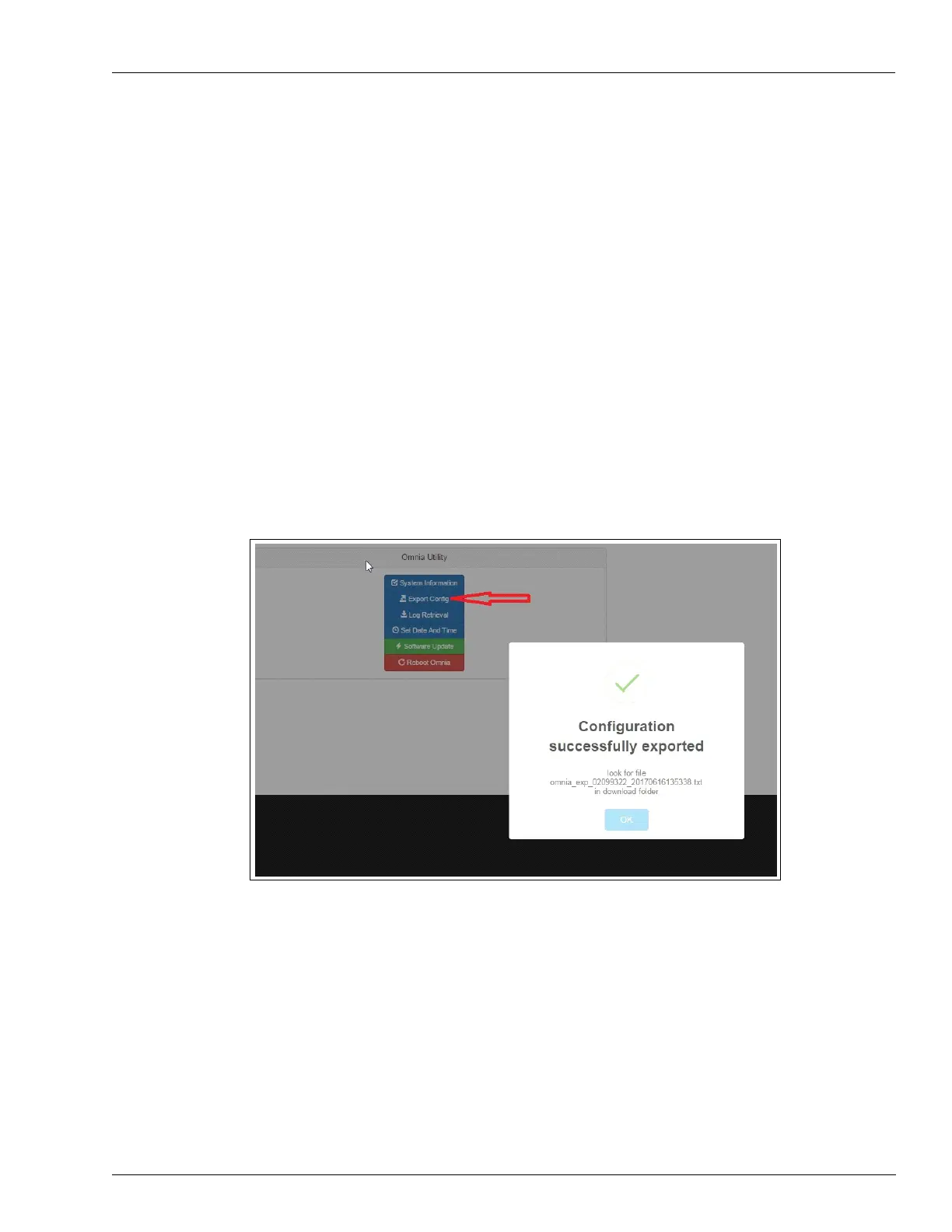
Omnia Configurator - Export Config
Click Export Config to export and re-use the current configuration of the device on another
dispenser of the same site.
Note: When importing a saved configuration, you m
ust set the Pump IDs and the External IP
Addresses because these will be different for each dispenser.
Figure 5-65: Export Configuration



 To Next Page