GVR Cloud Registration Insite360 Configuration Configuring Omnia PCB
MDE-5369G FlexPay™ IV (with Omnia V04.07) Programming and Service Manual · March 2021 Page 5-43
Registering Omnia to Insite360 Forecourt
To register Omnia to Insite360 Forecourt, proceed as follows:
1 Click the Registration tab.
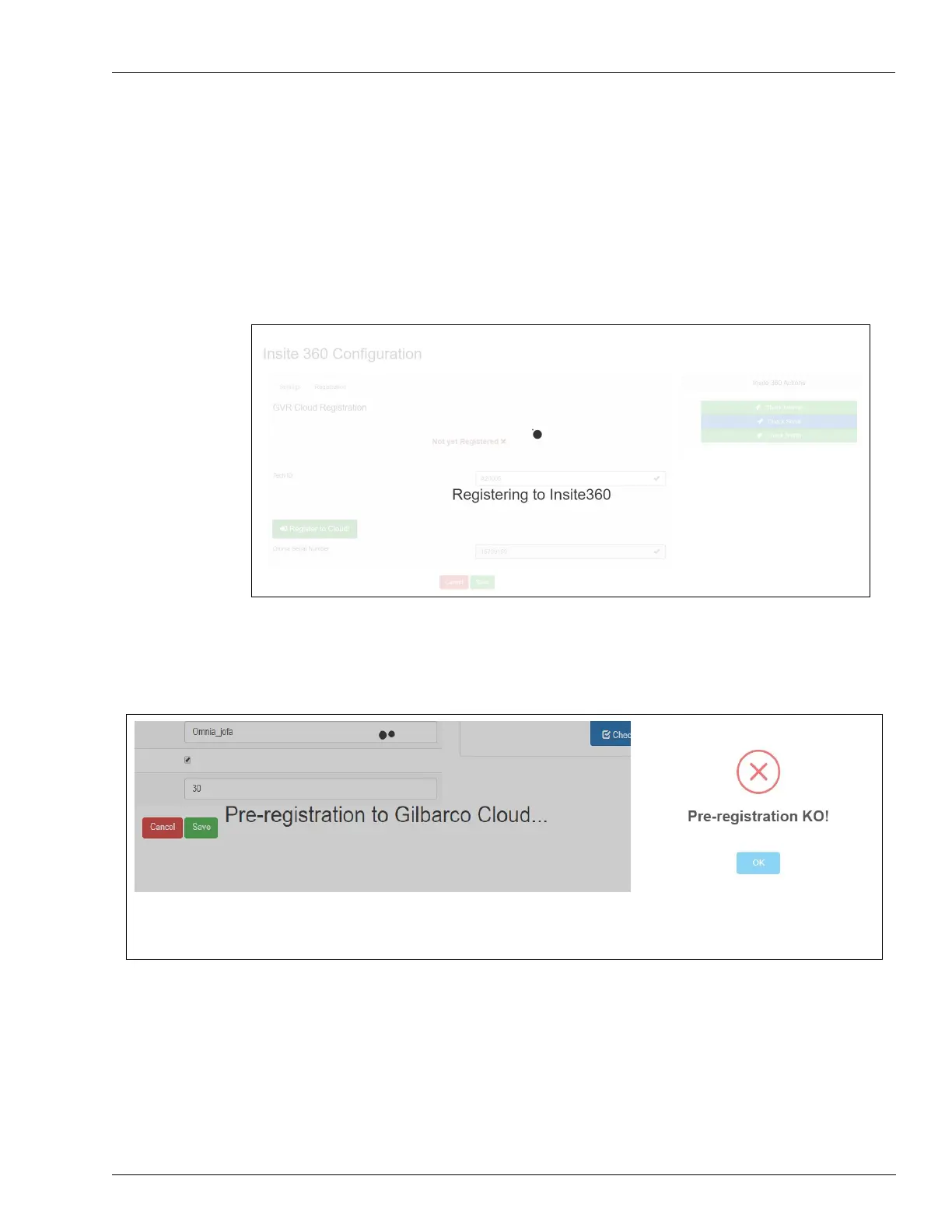
2 Enter a valid Tech ID number in the ASC ID field, and then click Register Omnia to SODA!
for registration.
Figure 5-60: Pre-registration to Gilbarco Cloud In Progress
A dialog box opens to indicate success or failure.
Figure 5-61: Indicating Success or Failure
(i)
Continue with Registration
(ii)
Contact Gilbarco for Assistance



 To Next Page