Omnia Configurator - Creating a New Configuration Configuring Omnia PCB
MDE-5369G FlexPay™ IV (with Omnia V04.07) Programming and Service Manual · March 2021 Page 5-19
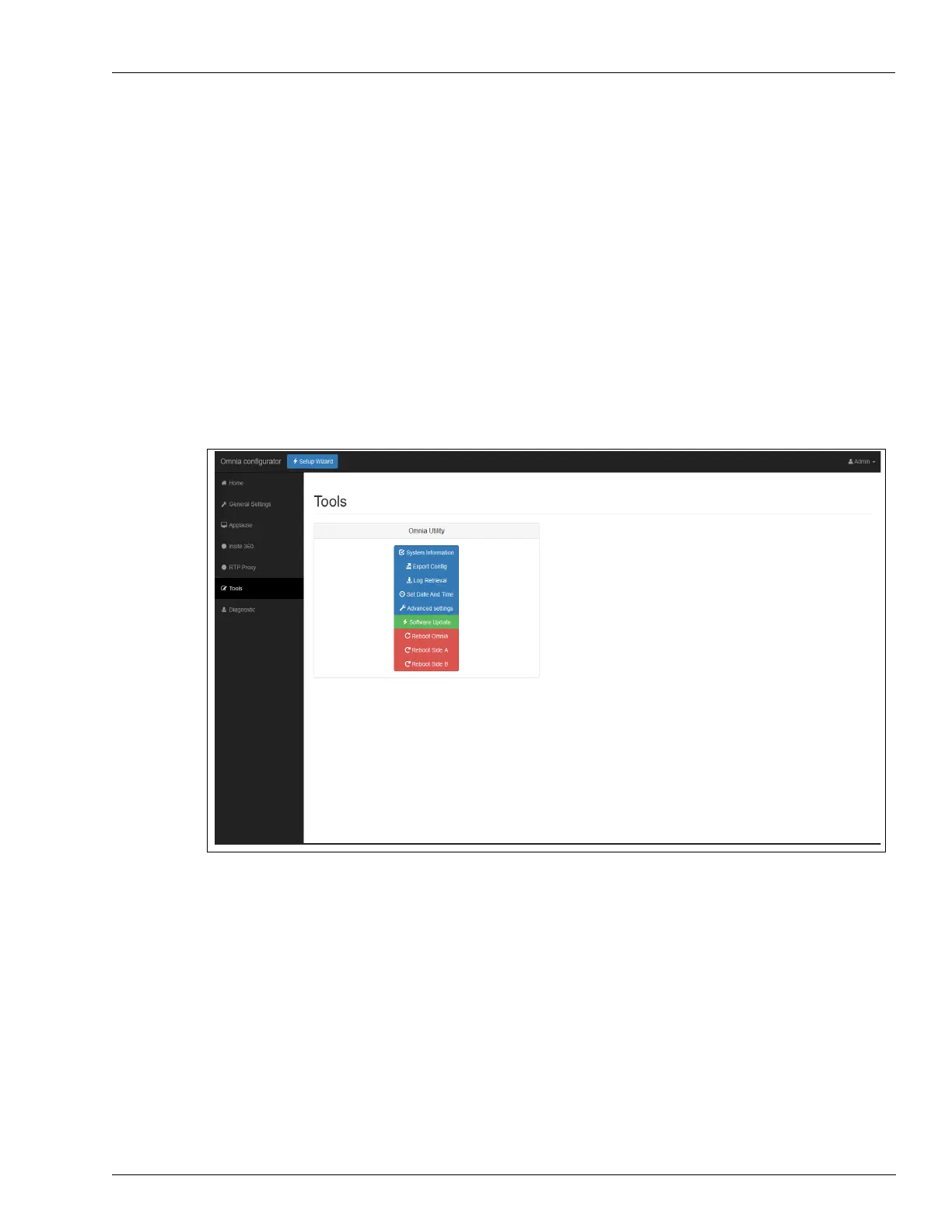
Omnia Configurator - Tools
Omnia device provides a set of utility functions to perform the following:
• Retrieve System Information
• Export Config
• Log Retrieval
• Set Date and Time
• Advanced settings
• Software Update
•Reboot Omnia
• Reboot Side A (Reboots UPM)
• Reboot Side B (Reboots UPM)
To access to the utility functions, click To
ols on the left sidebar of the Omnia web page.
Figure 5-23: Omnia Tools Settings



 To Next Page