Configuring Omnia PCB Omnia Configurator - Creating a New Configuration
Page 5-20 MDE-5369G FlexPay™ IV (with Omnia V04.07) Programming and Service Manual · March 2021
Retrieve System information
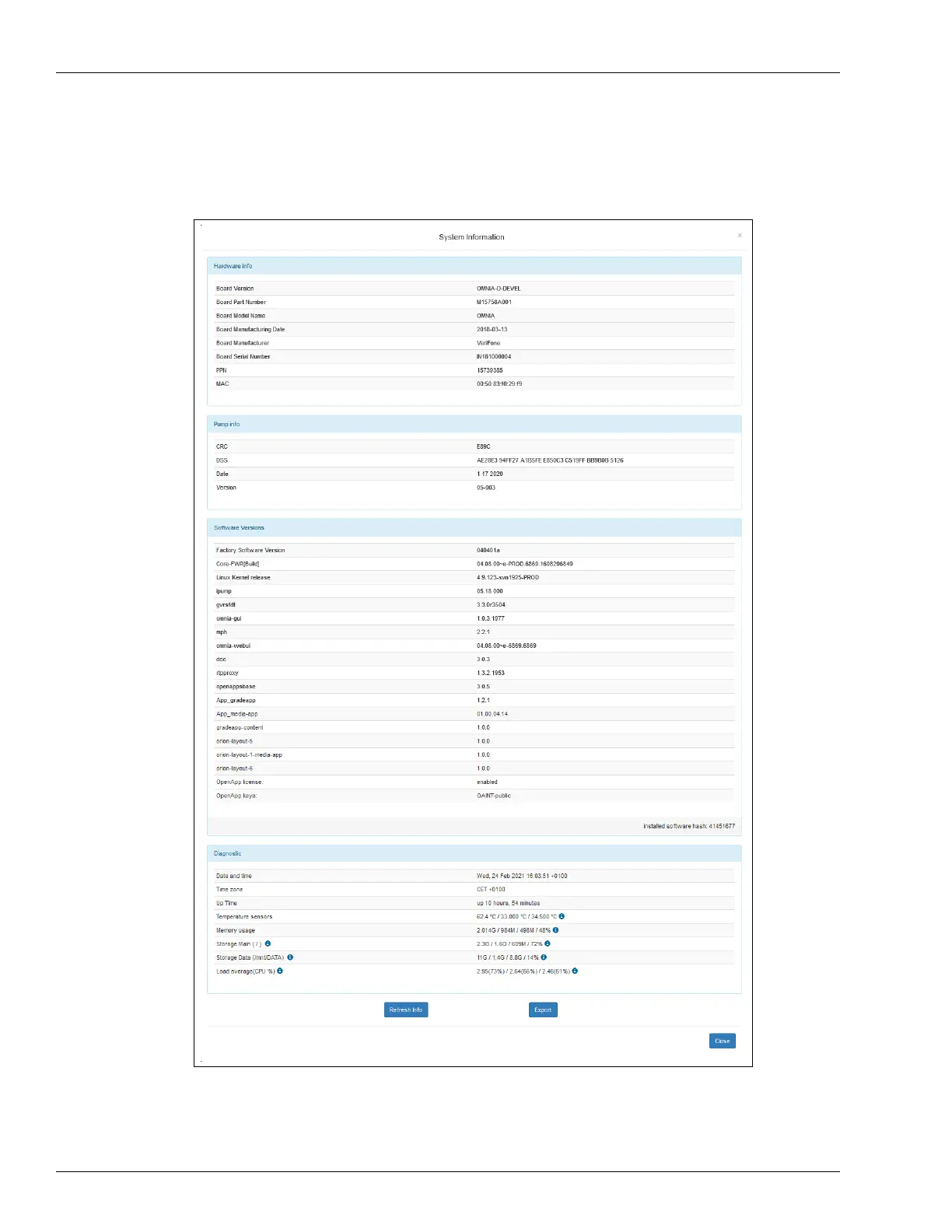
Click System Information to the retrieve current hardware and software status of the device.
Figure 5-24: System Information
Export system information during troubleshooting; the file contains all system versions and
diagnostic information. To export system information, click Export. A text file is saved on the
computer.



 To Next Page