Omnia Configurator - Creating a New Configuration Configuring Omnia PCB
MDE-5369G FlexPay™ IV (with Omnia V04.07) Programming and Service Manual · March 2021 Page 5-21
Log Retrieval
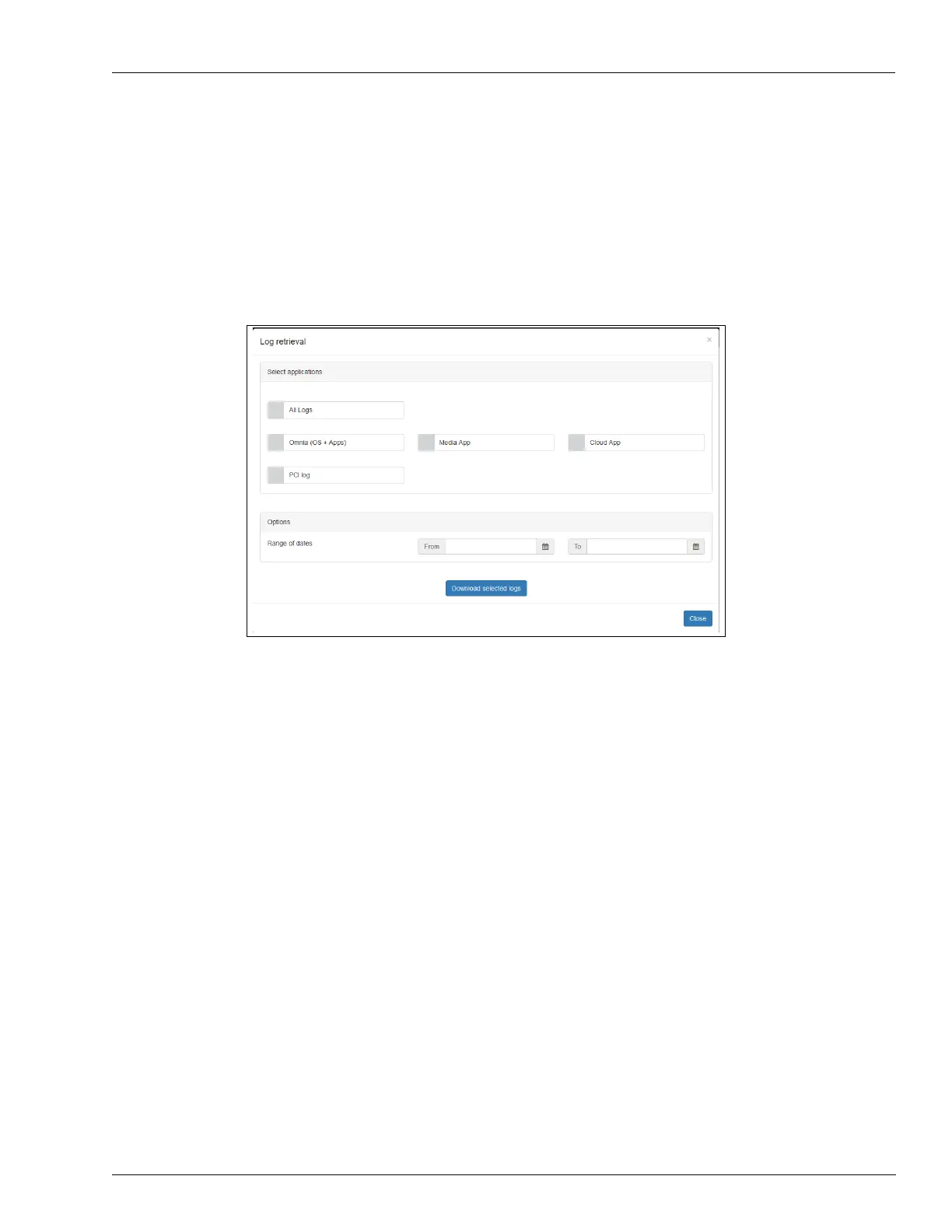
Log Retrieval page allows to retrieve logs of OmniaOS/CloudApp/MediaApp.
The log will be uploaded to the web page as a zip fil
e with file name extension:
ppn_dateandtime.zip.
From Log Retrieval, you can select the range of dates and the
required log level.
Note: Beginning with version 03.02, it is possible to r
etrieve all time and PCI-DSS relevant
logs. “Log level required” option was removed (see Figure 5-25).
Figure 5-25: Log Retrieval
To retrieve logs, proceed as follows:
1 Select applications for which you want to retrieve logs.
2 Select the range of dates.
3 Select the required log level: Error - Warning - Info - Debug (only for Omnia running versions
lower than 03.02).
4 Press Download for selected logs.



 To Next Page