Troubleshooting De-registering Omnia from Insite360 Forecourt
Page 7-2 MDE-5369G FlexPay™ IV (with Omnia V04.07) Programming and Service Manual · March 2021
De-registering Omnia from Insite360 Forecourt
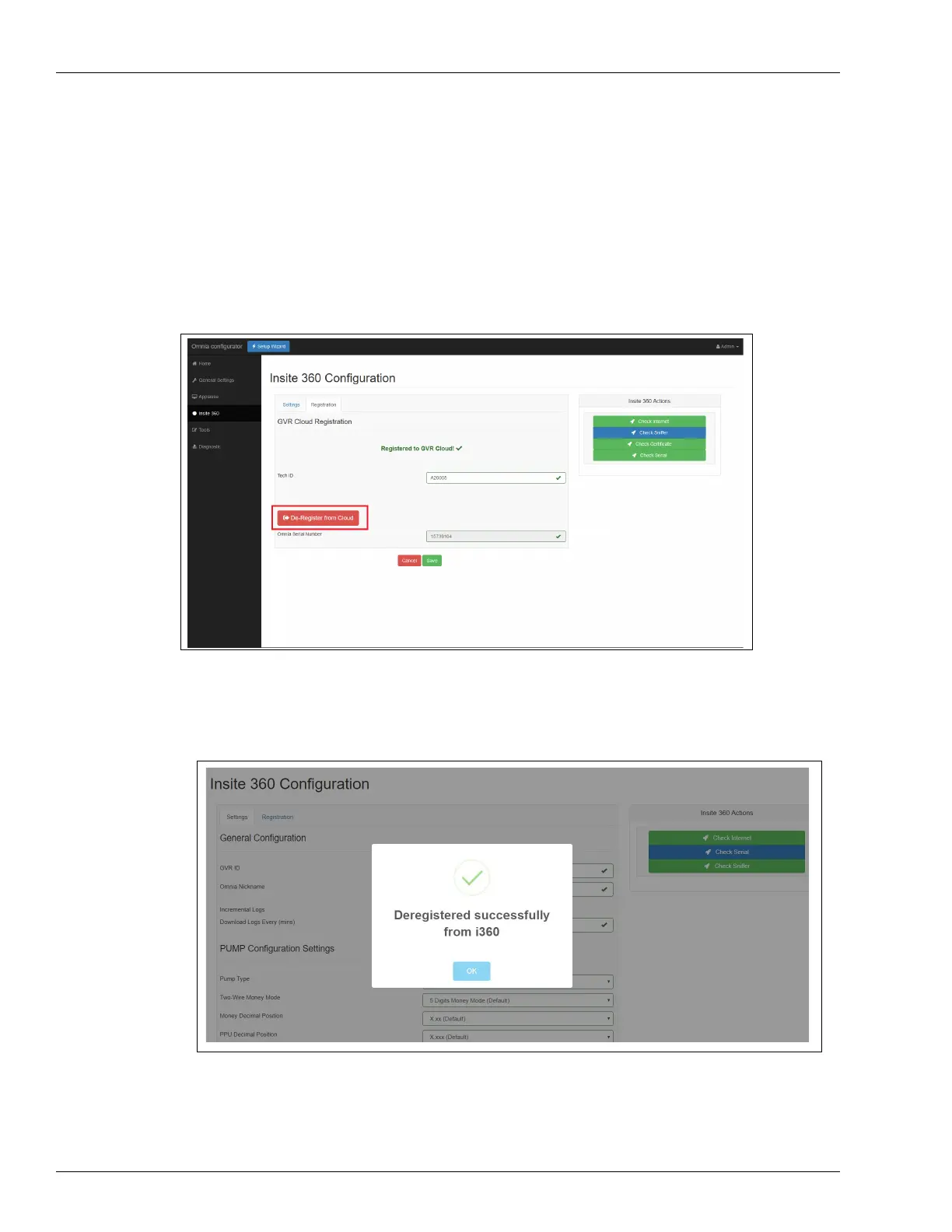
To unregister dispenser from Insite360 Cloud, proceed as follows:
1 Within the Omnia webpage application, click the Registration tab.
2 Select De-Register and Wait for the de-register success message.
Figure 7-2: De-Register
Note: De-register the Omnia PCB before replacing. Re-register after service.
Figure 7-3: De-registration Success Message



 To Next Page