Configuring Omnia PCB Omnia Configurator - Creating a New Configuration
Page 5-14 MDE-5369G FlexPay™ IV (with Omnia V04.07) Programming and Service Manual · March 2021
2 Use the following table for Omnia configuration settings:
Field Configuration Settings
Dispenser Model Encore or Latitude
Site dispenser type Dual-sided or Single-sided Unit
Select Two-wire
Connection
Type
MOC or Generic. Ensure that the UPM and Omnia are set to the same connection
type.
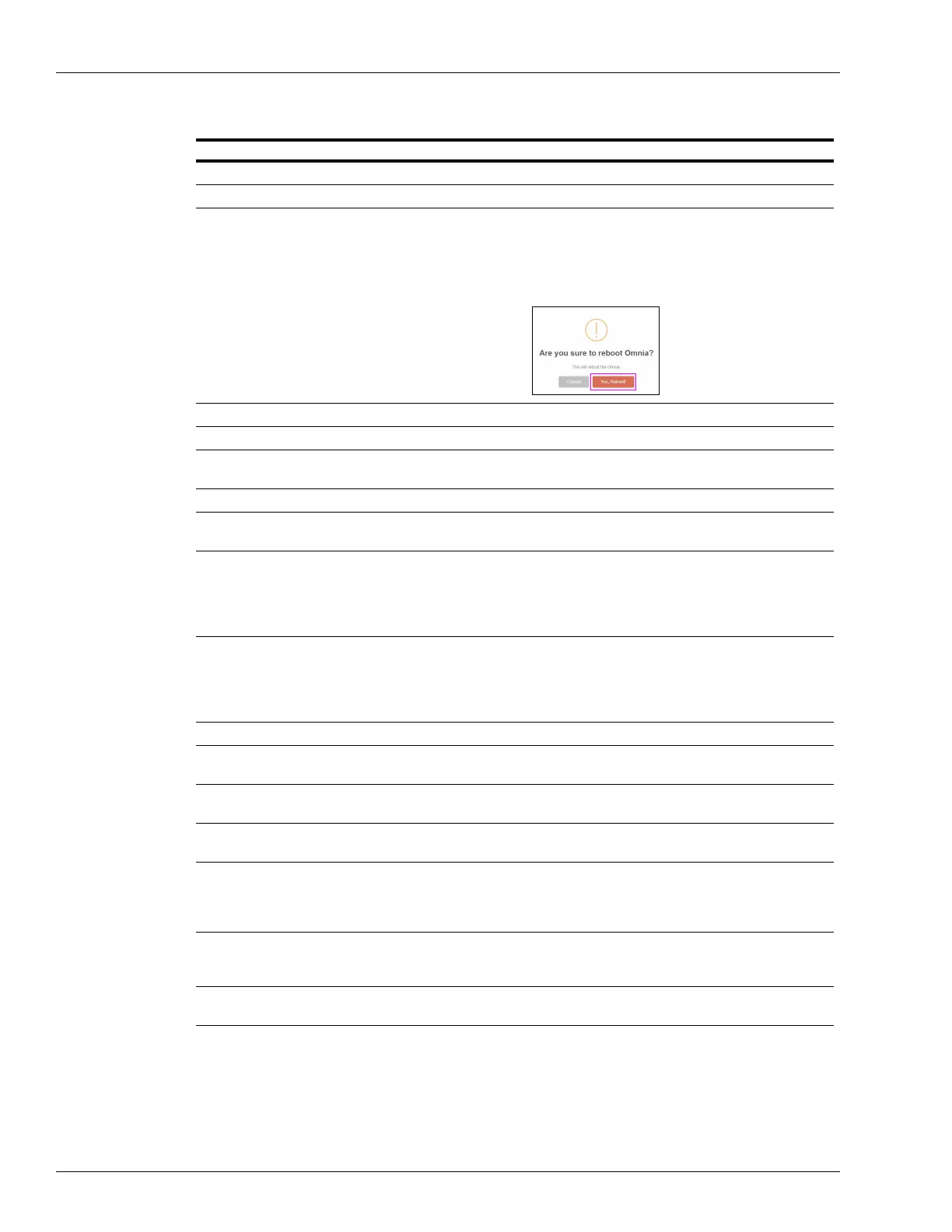
When this parameter is changed (from MOC to Generic or Generic t
o MOC), a reboot
is required. Reboot the Omnia board from the Tools tab or warmstart the dispenser.
Wait for 10 seconds before reapplying power.
Select Pump Baud Rate No change. Setting should remain at Default (5787).
Dispenser Serial Number Enter the serial number given on the
dispenser side label.
SIDE A fueling position Fueling position number of Side A. Side
A is the side where the Calibration Switch is
located.
SIDE B fueling position Fueling position number of Side B
Pump Connection Type ZMODEM, RTP - serial, None (for E300 dispensers).
RTP - serial is used for Remote Door Sensors.
Side A External IP Address For Side A External IP address configuration, refer to “IP Scheme FlexPay IV” on
page 5-15 for Gilbarco default settings. T
his field is auto-populated with 10.5.55.XX
(XX depends on Side A fueling position enter
ed, 70 + ID). Will need to be changed if
site using custom External IP Addresses.
Note: These IP addresses may be different based on the site’s IP scheme.
Side B External IP Address For Side B External IP address configur
ation, refer to “IP Scheme FlexPay IV” on
page 5-15 for Gilbarco default settings. T
his field is auto-populated with 10.5.55.XX
(XX depends on Side A fueling position enter
ed, 70 + ID). Will need to be changed if
site using custom External IP Addresses.
Note: These IP addresses may be different based on the site’s IP scheme.
Side A-B External Netmask External subnet mask (default 255.255.255.0)
Backroom Router IP
Address (Gateway)
Backroom Router IP address
(Generic CRIND) Pump
2-Wire ID Side A (1-16)
Note: For MOC, the pump ID for side A will be hard-coded 7.
(Generic CRIND) Pump
2-Wire ID Side B (1-16)
Note: For MOC, the pump ID for side B will be hard-coded 11.
Primary DNS Enter the customer-provided DNS IP address or enter 10.5.55.1 as
default. Note that
this field may also use non-default values. Consult the site’s IT Department for IP
Settings in the back room.
Note: These IP addresses may be different based on the site’s IP scheme.
Secondary DNS Google Public IP 8.8.8.8. Be aware that
this field may also use non-default values.
Consult the site’s IT Department for IP Settings in the back room.
Note: These IP addresses may be different based on the site’s IP scheme.
Current Login Mode Indicates if No Authentication, Access C
ode (set by customer), or Rolling Password
(ASC Tool).
Note: Ensure that the UPM and Omnia are set to the same connection type. When this
parameter is changed (from MOC to Generic or Generic to MOC), a reboot is required.



 To Next Page