Omnia Configurator - Creating a New Configuration Configuring Omnia PCB
MDE-5369G FlexPay™ IV (with Omnia V04.07) Programming and Service Manual · March 2021 Page 5-37
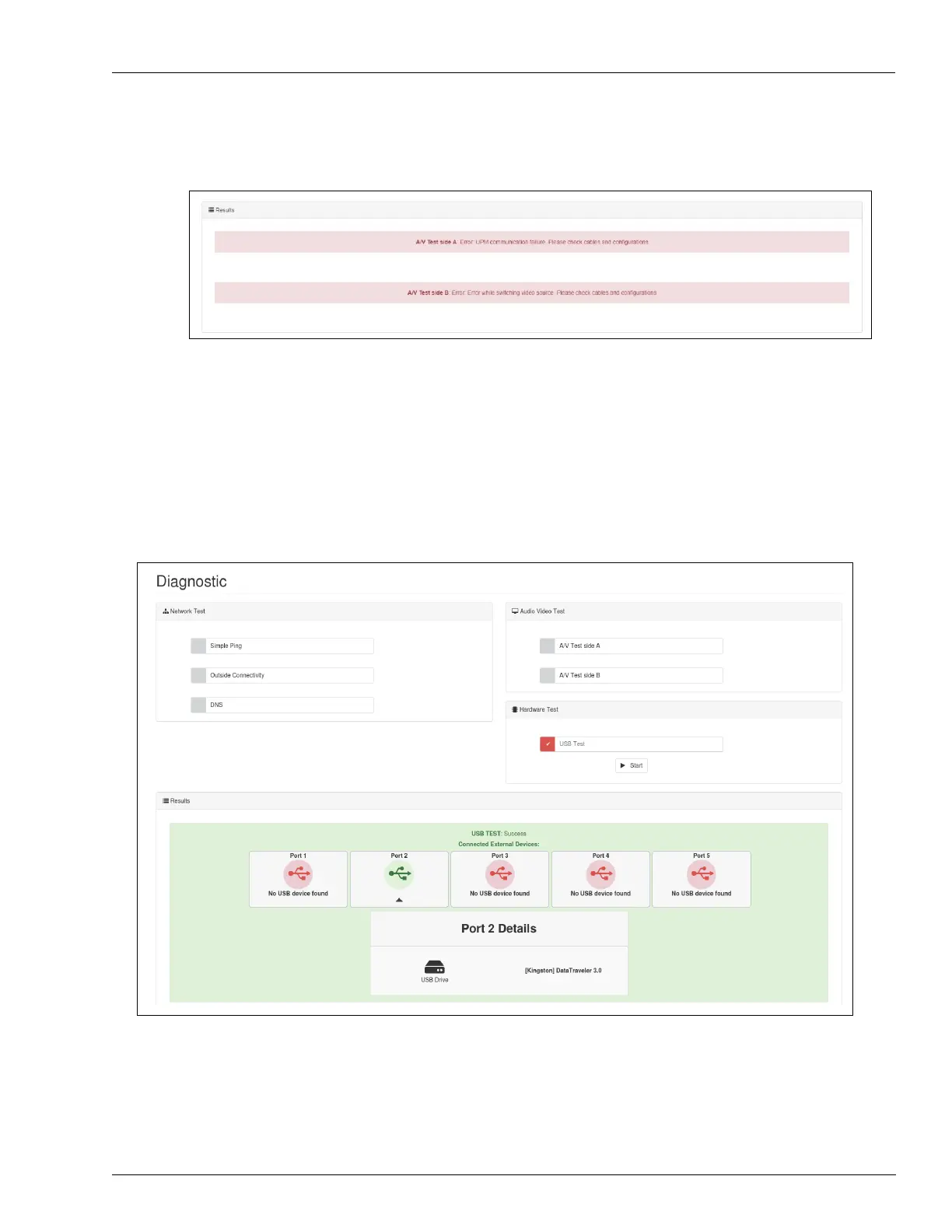
7 If the sample audio/video is not playing, check errors in the Results section.
Figure 5-49: Audio Video Test in Error
Hardware Test
This test group is dedicated to check hardware status on Omnia board.
USB Test
This test will check status of USB HUBs trying to detect devices connected to USB ports.
It will try to detect device type for each port.
Figure 5-50: USB Test



 To Next Page