Configuring Omnia PCB Omnia Configurator - Creating a New Configuration
Page 5-30 MDE-5369G FlexPay™ IV (with Omnia V04.07) Programming and Service Manual · March 2021
Software Update (From Version 04.07 or later)
The Software Update is a two-step process:
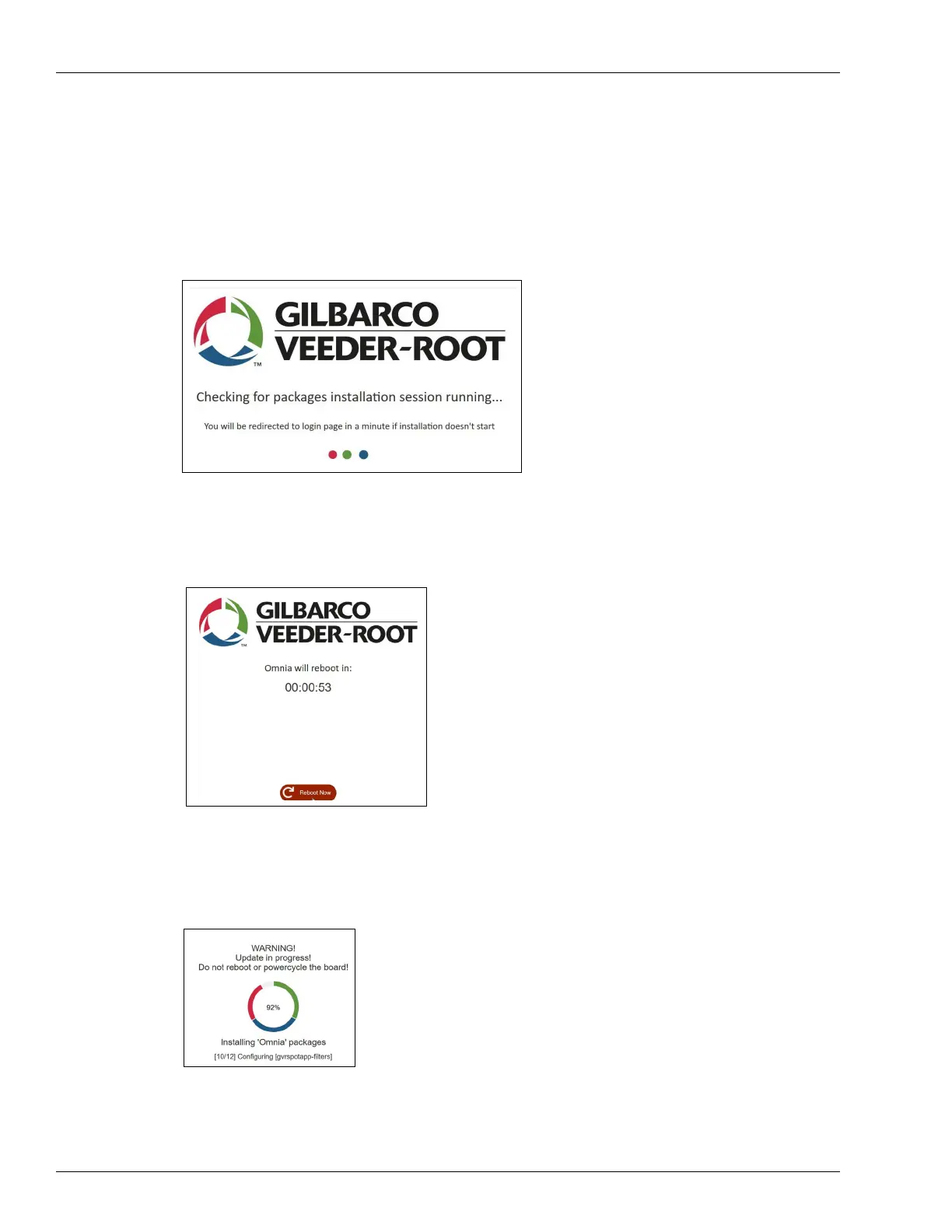
1 The first step checks for packages with system updates required by new versions of apps.
Figure 5-39: Software Update Packages
2 There is a prompt to reboot.
Figure 5-40: Software Update Reboot
3 All other apps are installed. The progress page is displayed.
Figure 5-41: Software Update Progress
4 After the Omnia reboots, you are prompted to log in.



 To Next Page