GVR Cloud Registration Insite360 Configuration Configuring Omnia PCB
MDE-5369G FlexPay™ IV (with Omnia V04.07) Programming and Service Manual · March 2021 Page 5-41
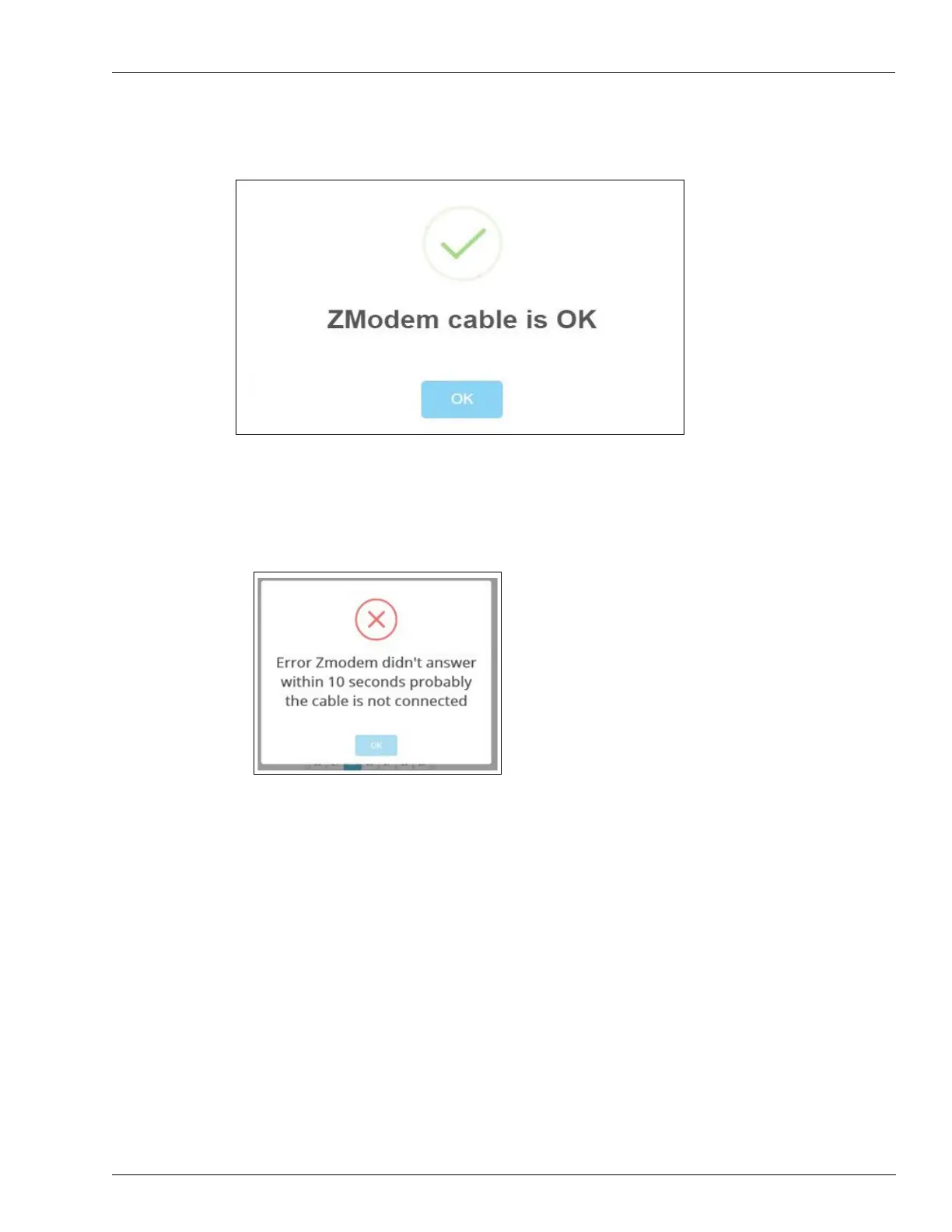
4 Check ZModem connection using CLOUD Utility.
Figure 5-56: Checking Serial Interface Connection
In case of failure, an error message is displayed.
Note: For troubleshooting information, r
efer to “Troubleshooting” on page 7-1.
Figure 5-57: ZModem Failure Message



 To Next Page